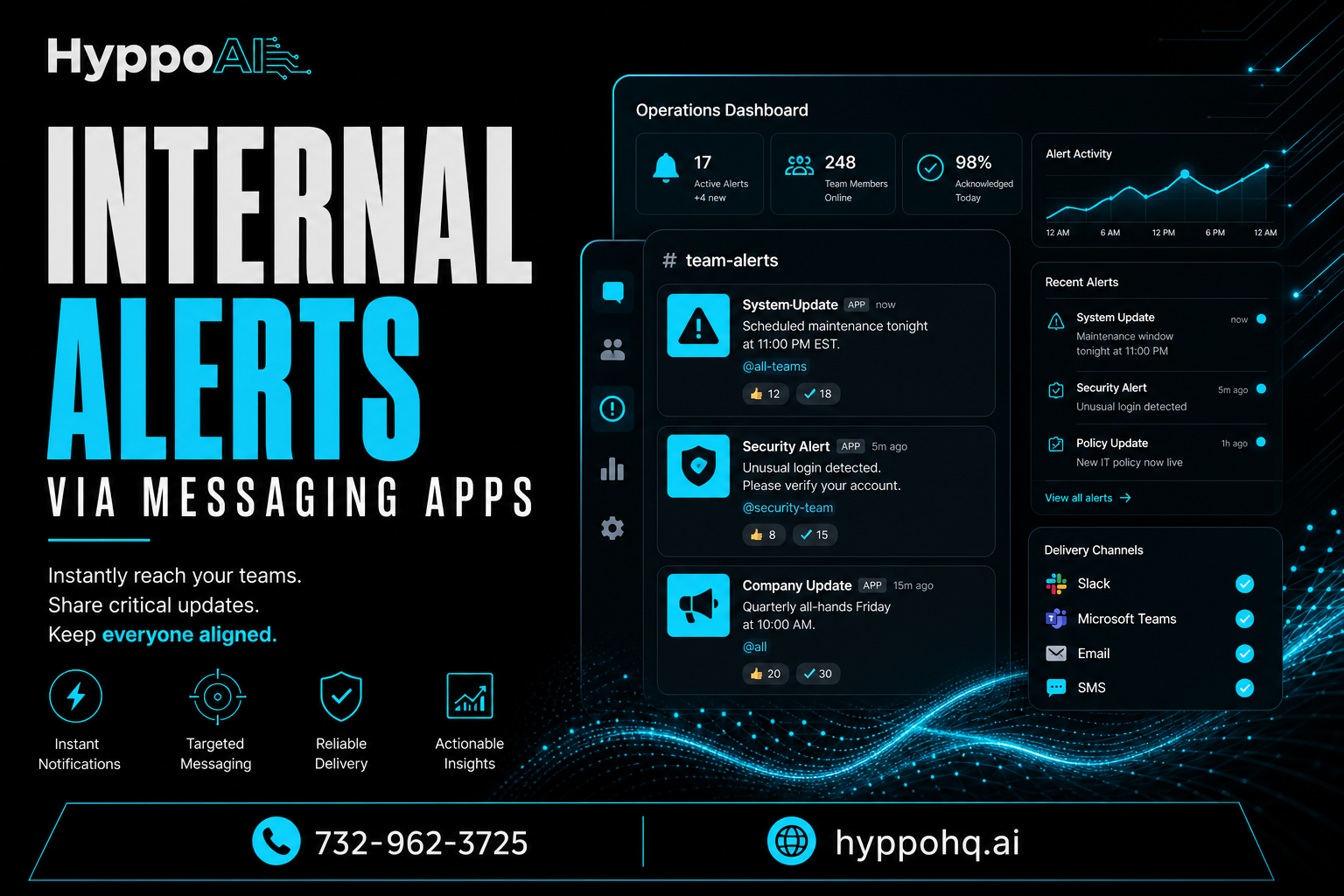
Why messaging apps are useful for internal alerts
Internal alerts only work when people actually see them.
That sounds obvious, but many small and midsize businesses still rely on email-only notifications, scattered texts, or manual check-ins to share urgent updates. The result is predictable: missed messages, slow responses, and avoidable operational friction.
Messaging apps solve that problem by putting internal alerts into a channel your team already watches throughout the day. Whether the alert is about a new lead, a missed call, a schedule change, a support issue, or a system exception, speed and visibility matter.
For SMBs trying to run lean, messaging apps are not just convenient. They are a practical layer in a better operations system.
Why internal alerts matter in the first place
Internal alerts are the signals that keep a business moving.
They tell the right person that something needs attention now, not hours later. In service businesses and growing teams, these alerts often include:
- New inbound leads
- Missed customer calls
- Appointment changes
- Payment or billing issues
- Support escalations
- Website form submissions
- Workflow failures
- Team handoff notifications
If those updates get buried in an inbox, trapped in one person’s phone, or delayed until someone remembers to mention them, the business loses time and consistency.
That is where messaging apps become useful.
Messaging apps reduce alert friction
The biggest advantage of messaging apps is simple: people check them.
Most teams already use a messaging platform during the workday. That means internal alerts can appear inside an existing communication habit instead of competing with crowded inboxes or disconnected tools.
Faster visibility
An alert in a messaging app is often seen faster than an email.
That matters when the update is time-sensitive. If a sales lead comes in, a customer misses a call, or a technician needs a schedule adjustment, a delay of even 15 to 30 minutes can create unnecessary problems.
Messaging apps bring those updates closer to real-time awareness.
Less context switching
When alerts arrive where the team is already communicating, people do not have to jump across multiple platforms just to stay informed.
Less switching means:
- Fewer missed updates
- Quicker acknowledgment
- Better focus on action
- Smoother team coordination
For SMBs, reducing operational drag is a real advantage.
They make urgent information easier to prioritize
Not every alert deserves the same level of attention.
Messaging apps help teams separate what is urgent from what is informational. With channels, group threads, mentions, and notification settings, businesses can route alerts more intelligently.
For example:
- Sales alerts can go to the sales channel
- Missed call alerts can go to front office staff
- Operations issues can go to managers
- System failures can go to technical support
This keeps the right people informed without overwhelming everyone else.
Better signal-to-noise ratio
When internal alerts are organized well inside messaging apps, teams can quickly scan what matters.
Compared with long email chains or random text messages, structured messaging makes it easier to identify:
- What happened
- Who needs to act
- How urgent it is
- Whether it has been handled
That clarity improves response time and accountability.
Messaging apps support faster team response
Alerts are only valuable if they trigger action.
A strong internal alert process should not stop at notification. It should help the team respond quickly and clearly. Messaging apps support this by making collaboration immediate.
Instead of forwarding emails, making calls, or chasing updates, team members can respond in-thread, assign the next step, and confirm completion in one place.
Real-time collaboration around alerts
This is especially useful when an issue involves multiple people.
For example, if a high-value lead comes in after hours, a messaging alert can notify the right team members instantly. Someone can claim the lead, another person can verify the details, and a manager can monitor follow-up without creating a long chain of separate communication.
That kind of speed is hard to match with email alone.
They create a more reliable operational record
One overlooked benefit of messaging apps is visibility into what happened after the alert was sent.
With email or verbal handoffs, it is often hard to know:
- Was the alert seen?
- Did someone respond?
- Who took ownership?
- Was the issue resolved?
Messaging platforms can make that process more transparent. Even basic team messaging creates a clearer trail of acknowledgment and action.
That record helps managers spot process gaps, improve handoffs, and reduce repeated mistakes.
Useful for growing teams
As a business scales, informal communication starts to break down.
What worked with three people often fails with ten or twenty. Messaging apps provide a more structured way to keep internal alerts visible without adding unnecessary complexity.
For SMBs, that balance matters. You want better systems, not bloated systems.
Messaging apps work well with automation
This is where internal alerts become even more powerful.
When messaging apps are connected to forms, CRMs, phone systems, scheduling tools, or AI workflows, alerts can be triggered automatically. That reduces manual effort and makes the business more responsive.
Examples include:
- Sending an instant alert when a new web lead is captured
- Notifying staff when a call is missed
- Flagging overdue follow-up tasks
- Alerting a manager when a workflow fails
- Sharing appointment confirmations or cancellations with the team
Automation turns messaging apps into part of the operating system, not just a chat tool.
Common mistakes to avoid
Messaging apps are useful for internal alerts, but only if they are implemented with discipline.
Here are a few common mistakes:
Sending too many alerts
If everything is urgent, nothing is urgent. Too many notifications create alert fatigue.
No clear ownership
An alert should make it obvious who needs to act. Otherwise, everyone assumes someone else will handle it.
Poor channel organization
If all alerts go into one noisy thread, important updates get lost.
No escalation path
Some alerts need follow-up if no one responds. Build that into the process.
Best practices for using messaging apps for internal alerts
To get more value from messaging-based alerts, keep the setup simple and intentional.
Focus on high-value alert types
Start with alerts that affect revenue, customer experience, or operations.
Route alerts to the right audience
Only notify the people who need to know.
Standardize alert formatting
Make alerts easy to read with clear details such as:
- What happened
- When it happened
- Who it affects
- What action is needed
Pair alerts with workflows
The alert should connect to a next step, not just announce a problem.
Review and refine
Check which alerts are useful, which are ignored, and where response times can improve.
Why this matters for SMBs
Large companies can absorb communication inefficiency longer than small businesses can.
For SMBs, missed alerts can mean missed leads, delayed service, unhappy customers, and wasted labor. Messaging apps help reduce that risk by making internal communication faster, clearer, and easier to act on.
They are not a complete operations strategy on their own. But they are an effective part of one.
When paired with smart workflows and automation, messaging apps can help teams stay aligned without adding more manual work.
If your business wants to improve response times, reduce missed handoffs, and build cleaner internal systems, HyppoAI can help you think through practical automation and alert workflows for your team. Visit https://hyppohq.ai or call +17329623725 to learn more.
