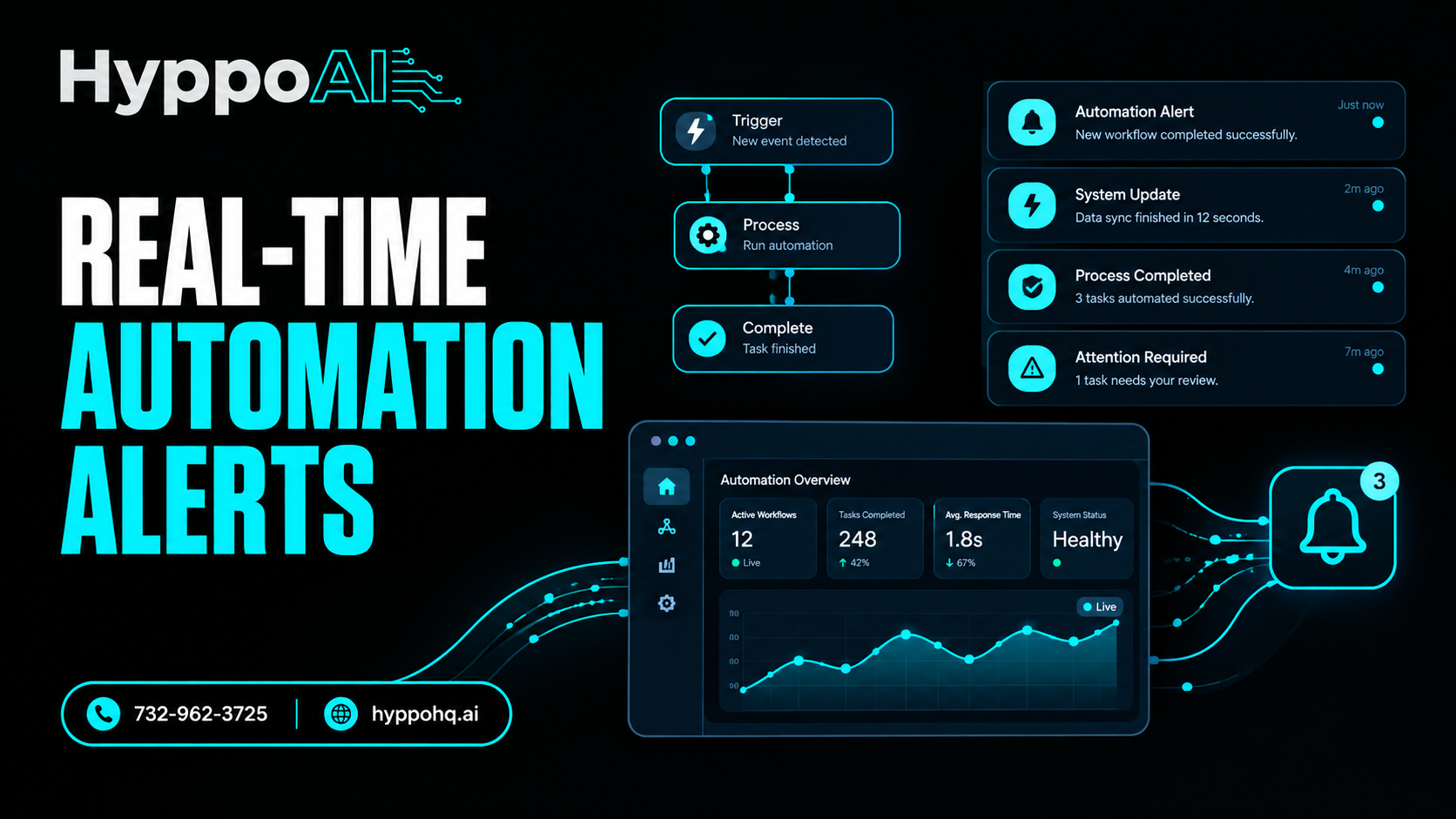
Real-time automation notifications for businesses explained
Businesses move faster when the right people know the right thing at the right time.
That is exactly what real-time automation notifications are built to do. Instead of waiting for someone to check an inbox, refresh a dashboard, or manually pass along an update, automated systems can instantly send alerts when a trigger happens.
For small and midsize businesses, this can be the difference between a missed opportunity and a closed deal, or between a delayed response and a smooth customer experience.
What real-time automation notifications actually are
Real-time automation notifications are instant alerts generated by software when a specific event happens in your business.
That event might be:
- A new lead filling out a form
- A missed call coming in after hours
- A customer booking an appointment
- A payment failing
- A support request being submitted
- A job status changing in your system
- An internal task reaching a deadline
Once the trigger happens, the system sends a notification automatically through the channel you choose.
Common notification channels include:
- SMS
- Slack or Microsoft Teams
- CRM alerts
- Mobile push notifications
- Voice calls in urgent cases
The goal is simple: reduce lag between event and action.
Why real-time notifications matter for SMBs
Large companies often have layers of staff and process. SMBs usually do not. That means delays hit harder.
If a lead comes in and no one sees it for two hours, that lead may already be gone. If a customer issue sits unnoticed, trust drops fast. If an appointment changes and the team misses it, operations get messy.
Real-time automation notifications help SMBs stay sharp without adding more manual work.
Key business benefits
Faster response times
When a lead, message, or support issue comes in, your team can act immediately. Speed matters in sales, service, and retention.
Fewer missed opportunities
Important events do not get buried in crowded inboxes or forgotten in disconnected systems.
Better team accountability
Notifications can go to the right person, team, or manager based on the type of event. Everyone knows what needs attention.
Less manual checking
Your team stops wasting time logging into multiple tools just to see if something happened.
More consistent customer experience
Customers get quicker follow-up, smoother communication, and fewer dropped handoffs.
How businesses receive automation notifications in real time
The process is usually straightforward, even if the system behind it is powerful.
1. A trigger happens
A trigger is the event that starts the workflow.
Examples:
- Someone submits a quote request
- A caller hangs up before reaching your team
- A chatbot collects a qualified lead
- A customer replies to a text message
- A scheduled job is marked complete
2. The automation platform detects it
Your connected system recognizes the event instantly or near instantly. This could happen through a CRM, scheduling tool, phone system, form builder, or custom workflow platform.
3. Rules decide what happens next
The automation checks your logic.
For example:
- Send all new leads to sales by SMS and email
- Send missed calls to the front desk and owner after hours
- Notify operations only if a job is marked delayed
- Alert a manager if a VIP customer submits a complaint
4. The notification is delivered
The message goes out through one or more channels based on urgency and team preference.
5. A person or system takes action
This is the part that matters most. Notifications are not just for awareness. They should drive action.
That action could be:
- Calling back a prospect
- Confirming an appointment
- Escalating a support issue
- Updating a customer record
- Triggering another automation step
Common real-time notification use cases
Different businesses use real-time automation notifications in different ways, but the pattern is the same: detect, notify, act.
Lead capture and follow-up
When a prospect fills out a form, calls your business, or messages through a website widget, your team can be alerted immediately.
This helps with:
- Faster lead response
- Better conversion rates
- Reduced lead leakage
Missed calls and after-hours inquiries
If your team misses a call, a notification can instantly alert staff and trigger follow-up.
This is especially valuable for service businesses where every inbound call could represent revenue.
Appointment and scheduling updates
Notifications can tell your team when:
- A customer books
- A customer cancels
- A customer reschedules
- A no-show risk appears
This keeps calendars accurate and helps reduce confusion.
Internal operations alerts
Operations teams can receive instant updates when tasks are delayed, forms are incomplete, inventory hits a threshold, or a workflow stalls.
Customer support escalation
If a message contains urgency, negative sentiment, or a high-priority issue, the right team member can be notified immediately.
What makes a notification system effective
Not every alert improves performance. Too many notifications create noise. Poorly designed alerts get ignored.
An effective real-time notification system should be:
Relevant
Only notify people who need the information.
Timely
The alert should arrive fast enough to matter.
Actionable
The recipient should know exactly what happened and what to do next.
Prioritized
Urgent issues should stand out from routine updates.
Integrated
The system should connect with the tools your business already uses.
Best practices for setting up real-time automation notifications
If you want real value, start with process, not just software.
Define your critical events
Identify the moments where speed matters most.
Ask:
- What events cost us money if missed?
- What updates need immediate action?
- Where are delays hurting customer experience?
Choose the right channel for the right event
Not every alert belongs in email.
For example:
- Use SMS for urgent lead or missed call alerts
- Use Slack or Teams for internal workflow updates
- Use email for summaries or lower-priority notifications
Keep the message clear
A good notification should include:
- What happened
- Who it involves
- When it happened
- What action is needed
Avoid alert fatigue
If everything is urgent, nothing is urgent. Build rules that reduce unnecessary noise.
Track response and outcomes
Measure whether notifications actually improve response times, booking rates, or operational efficiency.
Where AI fits into real-time notifications
AI can make automation notifications smarter, not just faster.
Instead of sending the same alert every time, AI can help classify, prioritize, route, and even respond based on context.
Examples include:
- Identifying high-intent leads and flagging them first
- Detecting urgency in customer messages
- Summarizing conversations before alerting a team member
- Routing notifications based on business hours or staff availability
- Triggering follow-up actions automatically
For SMBs, this means fewer manual decisions and better use of limited time.
Final thoughts
Real-time automation notifications help businesses stay responsive, organized, and scalable. They close the gap between something happening and your team doing something about it.
For SMBs, that speed can directly impact revenue, service quality, and day-to-day operations.
If your business is still relying on manual checking, delayed email chains, or disconnected tools, there is a better way to work.
If you want to explore smarter automation for your business, visit HyppoAI at https://hyppohq.ai or call +17329623725 to learn how real-time notifications and AI-powered workflows can help your team move faster.
