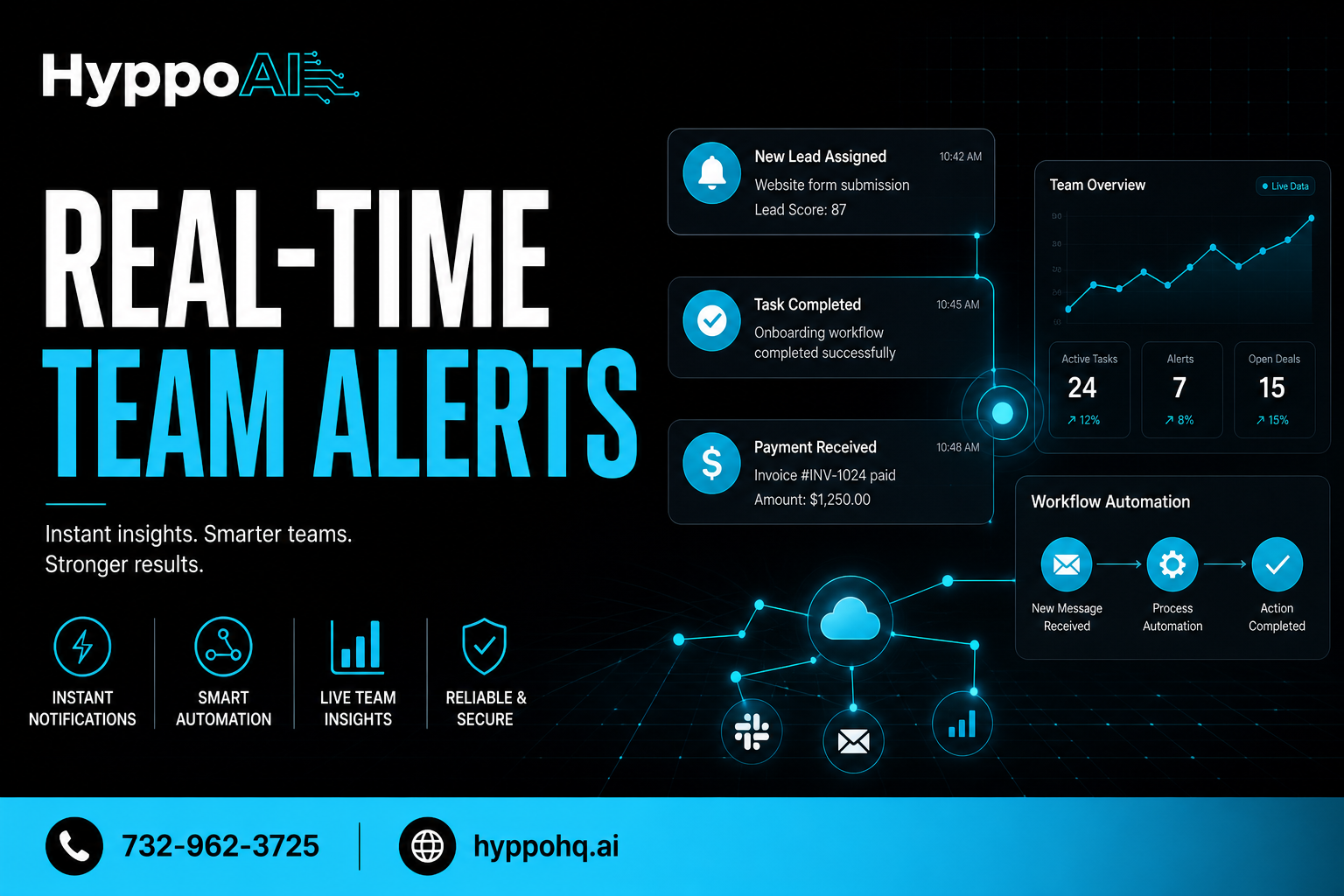
Real-time automation notifications for business teams
Speed matters in business.
When a lead comes in, a customer replies, a form is submitted, or a task fails, delays create friction. Real-time automation notifications solve that problem by instantly telling the right person what happened, where it happened, and what to do next.
For small and midsize businesses, this is not just a convenience. It is a practical way to improve response time, reduce missed opportunities, and keep operations moving without constant manual checking.
At HyppoAI, we see automation as a way to help SMBs operate with more clarity and less waste. Real-time notifications are one of the simplest ways to make that happen.
What are real-time automation notifications?
Real-time automation notifications are instant alerts triggered by specific business events.
Instead of waiting for someone to check an inbox, log into a CRM, or notice a missed task, your systems automatically send a notification as soon as an event occurs.
These notifications can be triggered by actions like:
- A new lead filling out a contact form
- A missed call coming into the business
- A customer booking an appointment
- A payment failing
- A support request being submitted
- A sales pipeline stage changing
- An internal task becoming overdue
- A chatbot or AI receptionist capturing a message
The goal is simple: get the right information to the right person at the right time.
How businesses receive automation notifications in real time
Businesses can receive real-time automation notifications through several channels. The best option depends on how your team works and which systems you already use.
SMS notifications
SMS is one of the fastest and most visible notification methods.
Text alerts are useful for urgent events such as:
- New inbound leads
- Missed calls
- Schedule changes
- High-priority customer issues
Because people tend to see text messages quickly, SMS works well when speed is critical.
Email notifications
Email remains a reliable option for many businesses.
It is especially useful when notifications need more detail, such as:
- Customer inquiry summaries
- Daily workflow alerts
- Team assignment updates
- Reports from automation systems
Email is less immediate than SMS in some cases, but it is ideal for notifications that need context and a record.
CRM alerts
Many businesses receive notifications directly inside their CRM or sales platform.
This keeps alerts tied to the customer record and helps teams take action without switching tools. A rep can see the alert, review the contact history, and follow up from the same system.
Team chat notifications
Tools like internal chat platforms are often used for real-time business notifications.
These alerts can be sent to specific channels for:
- Sales activity
- Customer support updates
- Operations issues
- Appointment bookings
This makes team visibility much easier, especially when multiple people need to stay aligned.
Mobile app push notifications
For teams working in the field or across locations, mobile push notifications can be highly effective.
They provide instant awareness without requiring someone to sit at a desk. This is useful for service businesses, managers, and owners who need updates on the go.
Voice or call alerts
In some workflows, a voice alert or automated call is the best fit.
This can be useful for urgent escalations, after-hours issues, or situations where a text or email may be missed.
Why real-time notifications matter for SMBs
Large companies often have layers of staff and slower processes. SMBs usually do not.
That means timing has a bigger impact.
If a small business misses a lead notification by 30 minutes, that lead may already be talking to a competitor. If an appointment cancellation is not seen quickly, a schedule gap may go unfilled. If a support issue sits unnoticed, customer trust can drop.
Real-time automation notifications help reduce these gaps.
Key benefits include:
- Faster lead response times
- Better customer follow-up
- Fewer missed calls and missed opportunities
- Improved team accountability
- Less manual monitoring of systems
- Better visibility into daily operations
- Faster issue resolution
In short, they help businesses act while the opportunity still exists.
Common use cases for real-time automation notifications
Not every notification needs to be urgent. The most effective systems are built around meaningful triggers.
Here are a few common use cases.
New lead alerts
When a prospect fills out a website form or responds to an ad, your team can receive an instant alert by text, email, or CRM notification.
This shortens the time between interest and follow-up.
Missed call notifications
If a business misses a call, an automation can immediately notify the team with the caller details and next steps.
This is especially valuable for service businesses where every inbound call may represent revenue.
Appointment activity
Teams can be notified when appointments are booked, rescheduled, or canceled. That gives staff time to confirm details, adjust schedules, or fill open slots.
Payment and billing issues
If a payment fails or an invoice remains unpaid, a real-time alert helps the team address it before it becomes a larger problem.
Internal operations alerts
Notifications are not only for customer-facing events. They can also support internal workflows, such as:
- Task reminders
- Escalations for overdue items
- Workflow failures
- Inventory or fulfillment updates
Best practices for setting up notification workflows
Real-time alerts are powerful, but too many notifications can create noise. The goal is not to notify everyone about everything. The goal is to create useful, actionable visibility.
1. Prioritize high-value events
Start with the events that directly affect revenue, customer experience, or operations.
Examples include new leads, missed calls, urgent support requests, and failed payments.
2. Match the channel to the urgency
Use SMS or push notifications for urgent items. Use email or CRM alerts for updates that need more detail but do not require an immediate response.
3. Send alerts to the right person
Avoid broad notifications when only one role needs to act. Sales alerts should go to sales. Operations issues should go to operations.
4. Include useful context
A good notification should answer basic questions quickly:
- What happened?
- When did it happen?
- Who is involved?
- What action is needed?
5. Review and refine regularly
As the business grows, notification workflows should evolve. Review which alerts are helpful, which are ignored, and where response delays still happen.
Where AI fits into real-time notifications
AI can make automation notifications more useful, not just faster.
Instead of sending a generic alert, AI can help summarize the event, identify urgency, route the notification to the right person, and even suggest a next step.
For example, an AI-powered workflow might:
- Capture a missed call
- Transcribe the caller message
- Summarize the reason for the call
- Mark the lead as urgent
- Notify the right team member instantly
That reduces manual work and improves the quality of the response.
For SMBs, this is where automation starts to feel less like a tool and more like an operational advantage.
Final thoughts
Real-time automation notifications help businesses stay responsive, organized, and proactive. They reduce lag between event and action, which is often where opportunities are lost.
If your team is still manually checking systems, reacting late to leads, or missing important updates, this is one of the easiest areas to improve.
HyppoAI helps small and midsize businesses build smarter AI and automation systems that support growth without adding unnecessary complexity. To learn more, visit https://hyppohq.ai or call +17329623725.
