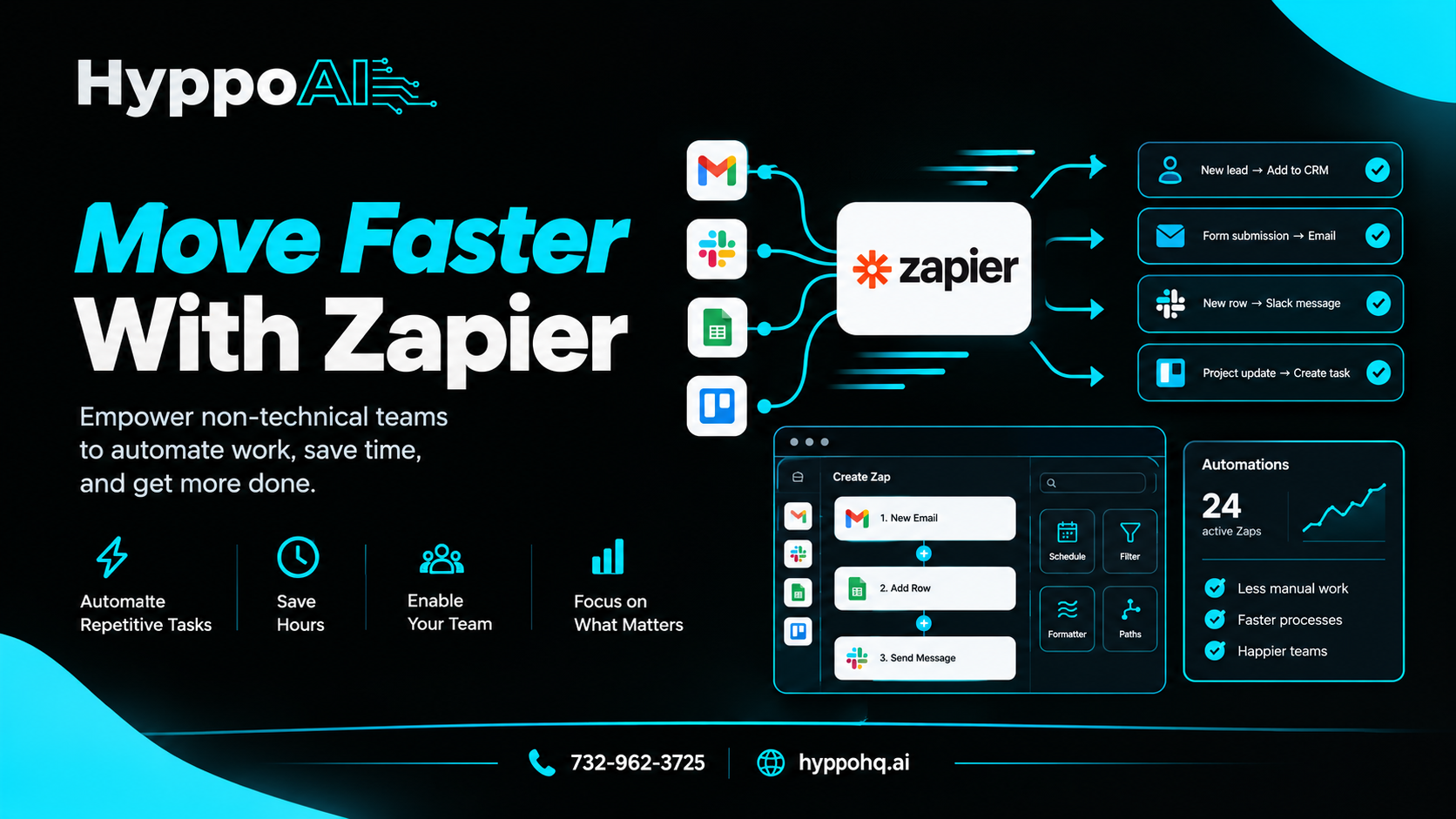
How Zapier helps non-technical teams move faster
Non-technical teams often lose speed for a simple reason: too much work gets stuck between tools, people, and manual steps. A lead comes in, someone copies it into a CRM, another person sends a follow-up, and a manager updates a spreadsheet later. None of it is hard, but all of it adds friction.
That is where Zapier can make a real difference.
Zapier helps businesses connect the apps they already use so routine tasks happen automatically. For small and mid-sized teams, that means less time spent on copy-paste work and more time focused on sales, service, operations, and growth. You do not need a technical background to get value from it, which is exactly why it matters for fast-moving teams.
What Zapier actually does
Zapier is an automation platform that links software tools together through simple workflows, often called Zaps. A Zap usually follows a basic structure:
- A trigger happens in one app
- An action happens in another app
- Optional steps route, filter, format, or enrich the data
For example:
- A website form is submitted
- The contact is added to a CRM
- A Slack message alerts the sales team
- A follow-up email is queued automatically
Instead of relying on someone to move information manually, the process runs in the background.
For non-technical teams, that is powerful because it removes delays without requiring custom code.
Why non-technical teams benefit the most
Technical teams can build custom integrations, but most business bottlenecks do not need a full engineering project. They need a reliable way to connect tools and standardize what happens next.
Zapier helps non-technical teams move faster in a few key ways.
1. It reduces repetitive admin work
Many teams spend hours every week on simple tasks like:
- Copying lead data between platforms
- Sending internal notifications
- Updating spreadsheets
- Creating tasks after a form submission
- Moving records between systems
These steps may seem small, but they add up quickly. Automating them frees up time for work that actually needs human judgment.
2. It shortens response times
Speed matters, especially for customer-facing teams. If a new lead sits in an inbox for hours, momentum drops. If a support request is not routed fast, the customer experience suffers.
With Zapier, teams can trigger instant next steps such as:
- Sending alerts to the right person
- Creating follow-up tasks automatically
- Logging activity in a central system
- Starting a nurture sequence right away
Faster response usually means better conversion, better service, and fewer dropped opportunities.
3. It removes dependency on technical resources
When every small workflow change requires a developer, teams move slowly. Zapier gives operations, marketing, sales, and admin teams more control over their own processes.
That does not mean every automation should be built without oversight. It means many everyday workflows can be created, tested, and improved by the people closest to the work.
That is a major advantage for SMBs trying to stay lean and responsive.
Common use cases for SMB teams
Zapier is flexible, but the best use cases usually start with a clear operational pain point. Here are a few practical examples.
Lead capture and follow-up
When a prospect fills out a form, teams can automatically:
- Add the lead to a CRM
- Notify sales in Slack or email
- Create a follow-up task
- Send a confirmation email
- Log the lead source for reporting
This reduces lead leakage and keeps outreach consistent.
Customer onboarding
Once a deal closes, Zapier can help kick off onboarding by:
- Creating a project or task list
- Notifying the delivery team
- Sending intake forms
- Updating internal trackers
- Scheduling handoff steps
That creates a smoother transition from sales to service.
Internal operations
Operations teams can use Zapier to:
- Route requests from forms to the right department
- Update dashboards or spreadsheets
- Trigger reminders for approvals
- Standardize recurring administrative tasks
This is especially useful when teams rely on multiple tools that do not naturally talk to each other.
Marketing coordination
Marketing teams often juggle forms, email tools, CRMs, and reporting platforms. Zapier can connect those touchpoints so campaign activity is easier to track and act on.
Examples include:
- Adding webinar registrants to email lists
- Sending campaign leads into a CRM
- Notifying the team when high-value actions occur
- Organizing data for reporting workflows
What makes Zapier effective for non-technical users
The biggest reason Zapier works well for non-technical teams is accessibility. It is built around logic that most business users already understand: if this happens, then do that.
A few strengths stand out:
Simple workflow design
Users can build automations through a visual interface instead of writing code. That lowers the barrier to entry and makes process improvement more practical.
Broad app ecosystem
Many businesses already use a mix of tools for forms, email, CRM, project management, and communication. Zapier can often bridge those systems without a custom integration project.
Fast testing and iteration
Teams can start with a basic workflow, test it, and improve it over time. That is important because the best automations usually come from refining real-world processes, not trying to perfect them in one pass.
Best practices before you automate
Automation works best when the underlying process is already clear. If the workflow is messy, automation can simply make the mess happen faster.
Before building a Zap, it helps to define:
- What event should trigger the workflow
- What action should happen next
- Who needs visibility into the process
- What data must be captured accurately
- What exceptions or edge cases may occur
It is also smart to start with high-volume, low-complexity tasks. Those usually deliver the fastest return with the least risk.
Where teams get stuck
Zapier is easy to start with, but scaling automation across a business still requires structure. Common issues include:
- Too many disconnected automations
- Inconsistent naming or ownership
- Duplicate workflows doing similar jobs
- Weak error handling or monitoring
- Automating a bad process instead of fixing it
This is where a more strategic automation approach matters. The goal is not just to save a few clicks. The goal is to build systems that help the business run more smoothly.
Zapier as part of a bigger automation strategy
For many SMBs, Zapier is the first step toward operational maturity. It helps teams prove value quickly by eliminating repetitive work and speeding up handoffs.
But the bigger opportunity is using automation intentionally.
When workflows are aligned with business goals, teams can:
- Respond faster to leads
- Improve customer experience
- Reduce manual errors
- Create more accountability
- Scale processes without adding unnecessary overhead
That is why tools like Zapier matter. They are not just convenience tools. They are operational leverage.
Final thoughts
If your team is still moving information manually between apps, there is a good chance you are losing time, consistency, and speed every day. Zapier gives non-technical teams a practical way to automate routine work and keep momentum high without waiting on custom development.
If you want to explore smarter automation for your business, HyppoAI helps SMBs build practical AI and workflow systems that support growth. Visit https://hyppohq.ai or call +17329623725 to start the conversation.
