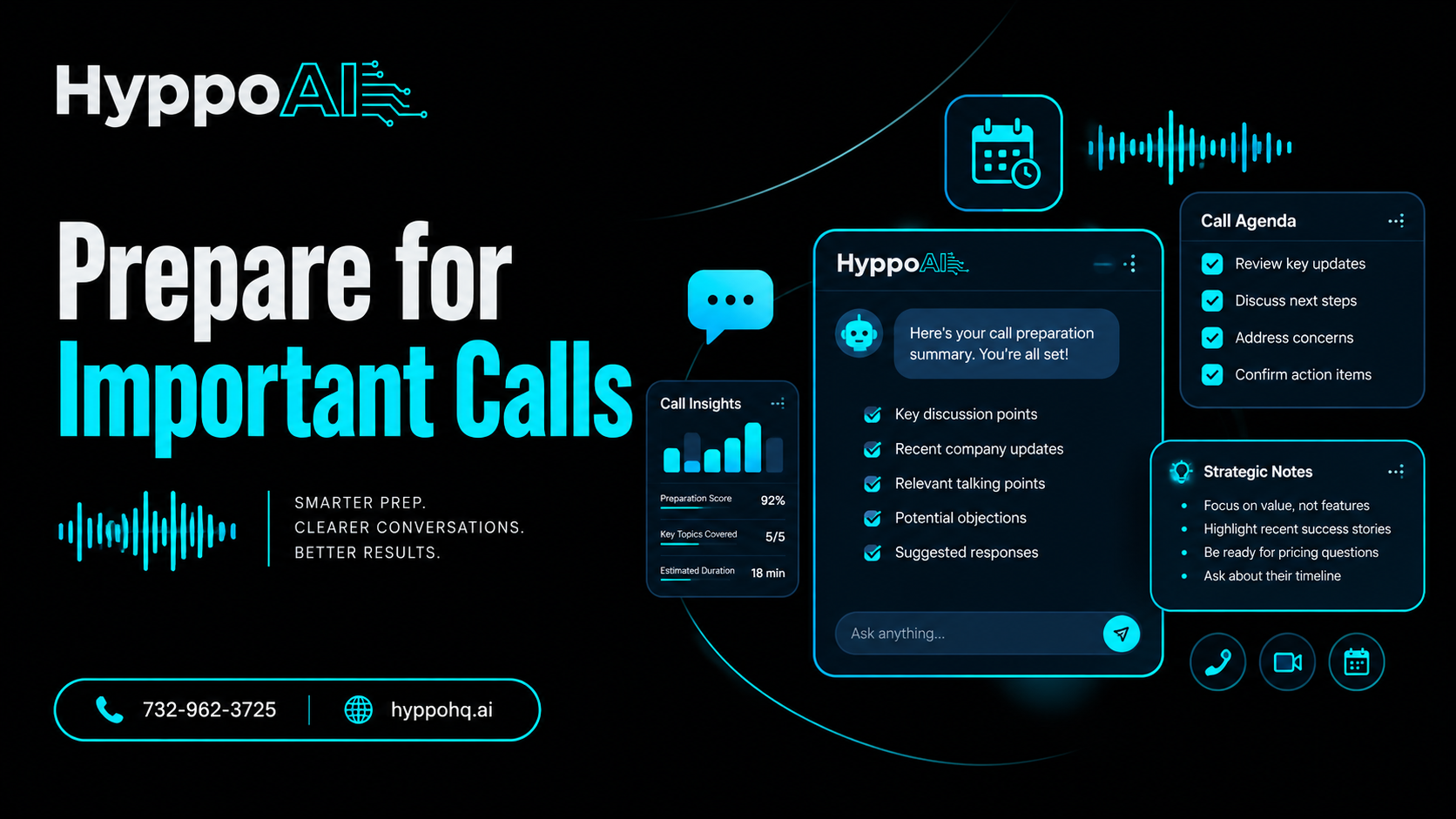
How to use ChatGPT to prepare before important calls
Important calls can shape deals, partnerships, hiring decisions, and customer relationships. The problem is not usually a lack of effort. It is scattered prep.
You may have notes in your inbox, context in a CRM, ideas in your head, and a rough agenda sitting in a document you have not touched in days. That is where ChatGPT can help.
Used well, ChatGPT becomes a fast prep partner. It can help you organize context, identify what matters, pressure-test your message, and walk you into the call with more clarity. It will not replace your judgment, but it can reduce the time it takes to get ready.
Why ChatGPT is useful before important calls
Before a high-stakes call, most people need to do the same few things:
- Gather context
- Clarify the goal
- Build a call structure
- Anticipate questions or objections
- Practice key responses
- Summarize next steps
ChatGPT is strong at turning messy information into a usable plan. Instead of staring at a blank page, you can prompt it to create a prep brief in minutes.
That matters for SMB teams especially. When time is limited, a simple repeatable workflow is often more valuable than a perfect one.
Start with the outcome you want
Before you ask ChatGPT for help, define the purpose of the call. If you skip this step, the output will be generic.
Ask yourself:
- What is the main objective of this call?
- What decision needs to happen by the end?
- What would make this call a win?
- What concerns might the other person bring up?
Then give ChatGPT a prompt with that outcome.
Example prompt
"I have an important 30-minute call with a potential client. My goal is to understand their needs, explain our approach clearly, and leave with a defined next step. Based on the notes below, create a prep brief with key talking points, likely questions, risks, and a recommended call structure."
This gives ChatGPT direction. It now knows what success looks like.
Feed it clean context
The quality of your prep depends on the quality of the input. You do not need to write a perfect summary, but you should provide useful context.
Include details like:
- Who will be on the call
- Their role or company type
- Any prior conversations
- Current pain points
- Relevant goals or deadlines
- Known objections
- Your desired next step
You can paste rough notes, email threads, meeting summaries, or CRM entries. If the information is messy, ask ChatGPT to organize it first.
Try this prompt
"Organize the notes below into five sections: background, goals, risks, open questions, and suggested next steps. Highlight anything missing that I should clarify before the call."
This is a fast way to spot gaps before you go in.
Ask for a one-page call brief
Once ChatGPT has the context, ask it to condense everything into a short prep document. This is often the most useful output.
A strong call brief should include:
- The objective of the call
- A short summary of the other party
- Top three talking points
- Questions you should ask
- Likely objections or concerns
- Recommended next step
Example prompt
"Create a one-page call brief I can review in two minutes before the meeting. Keep it concise and practical."
The goal is not to create more reading. The goal is to create clarity.
Use ChatGPT to anticipate objections
One of the best ways to prepare is to think from the other side of the table. ChatGPT can help you do that quickly.
Ask it to act like the person you are speaking with and challenge your position.
Example prompt
"Act as a skeptical prospect on this call. Based on the context below, list the five most likely objections you would raise. Then provide concise, credible responses I can use."
This is especially helpful for:
- Sales calls
- Pricing conversations
- Renewal discussions
- Partnership calls
- Internal budget approvals
It helps you avoid being surprised by predictable concerns.
Practice your opening and key transitions
The first two minutes of a call often set the tone. If you ramble at the start, the rest of the conversation can feel unfocused.
Use ChatGPT to draft:
- A confident opening
- A short agenda statement
- A transition into discovery questions
- A closing summary with next steps
Example prompt
"Write a natural 45-second opening for this call. I want to sound clear, professional, and direct. Then give me two transition lines to move from introductions into the main discussion."
You do not need to read a script word for word. The point is to reduce hesitation and sharpen delivery.
Generate better questions
Strong calls are driven by strong questions. If you are not sure what to ask, ChatGPT can help you build a better list.
Ask for questions that uncover:
- Business priorities n- Current process problems
- Decision criteria
- Urgency
- Stakeholders involved
- Budget or resource constraints
Example prompt
"Based on this situation, give me 10 smart questions to ask on the call. Group them into discovery, decision-making, and next-step questions."
This can improve both external calls and internal meetings.
Role-play the conversation
If the call is high stakes, do a quick simulation. Ask ChatGPT to play the other participant and respond as realistically as possible.
Example prompt
"Let us role-play this call. You act as the client. Ask me questions one at a time, including some difficult objections. After I answer, give me feedback on clarity, confidence, and where I can improve."
This is one of the fastest ways to tighten your message before a real conversation.
Keep it practical, not perfect
There is a temptation to overuse AI and generate too much material. That usually hurts more than it helps.
A good rule:
- Use ChatGPT to prepare the structure
- Use your own judgment to refine the message
- Review only what you will actually use
If your prep output is three pages long, it is probably too much. Aim for a short brief, a few sharp questions, and clear next steps.
A simple workflow you can repeat
Here is a practical workflow you can use before almost any important call:
1. Gather raw notes
Pull together emails, CRM notes, past meeting summaries, and your objective.
2. Ask ChatGPT to organize the context
Have it sort the information into background, goals, risks, and open questions.
3. Generate a call brief
Ask for a concise summary with talking points, questions, and likely objections.
4. Draft your opening and closing
Get help with a strong start and a clear next-step summary.
5. Role-play the hard parts
Practice objections or sensitive questions before the meeting.
6. Review for two minutes before the call
Do a quick scan of your brief instead of rereading every note you have.
Common mistakes to avoid
ChatGPT can improve your prep, but only if you use it carefully.
Avoid these mistakes:
- Giving it vague prompts with no clear objective
- Pasting incomplete context and expecting precise guidance
- Using outputs without checking for accuracy
- Sounding scripted instead of prepared
- Sharing sensitive information without thinking about privacy policies and internal rules
Use AI as a thinking partner, not an autopilot.
Final takeaway
If you want to use ChatGPT to prepare before important calls, keep the process simple. Start with the outcome, give it useful context, ask for a concise brief, and practice the parts that matter most.
The result is not just better notes. It is better focus, better questions, and better conversations.
If your business is exploring practical AI workflows for SMB teams, HyppoAI helps companies use tools like ChatGPT in ways that support real operations and decision-making. Visit https://hyppohq.ai or call +17329623725 to learn more.
