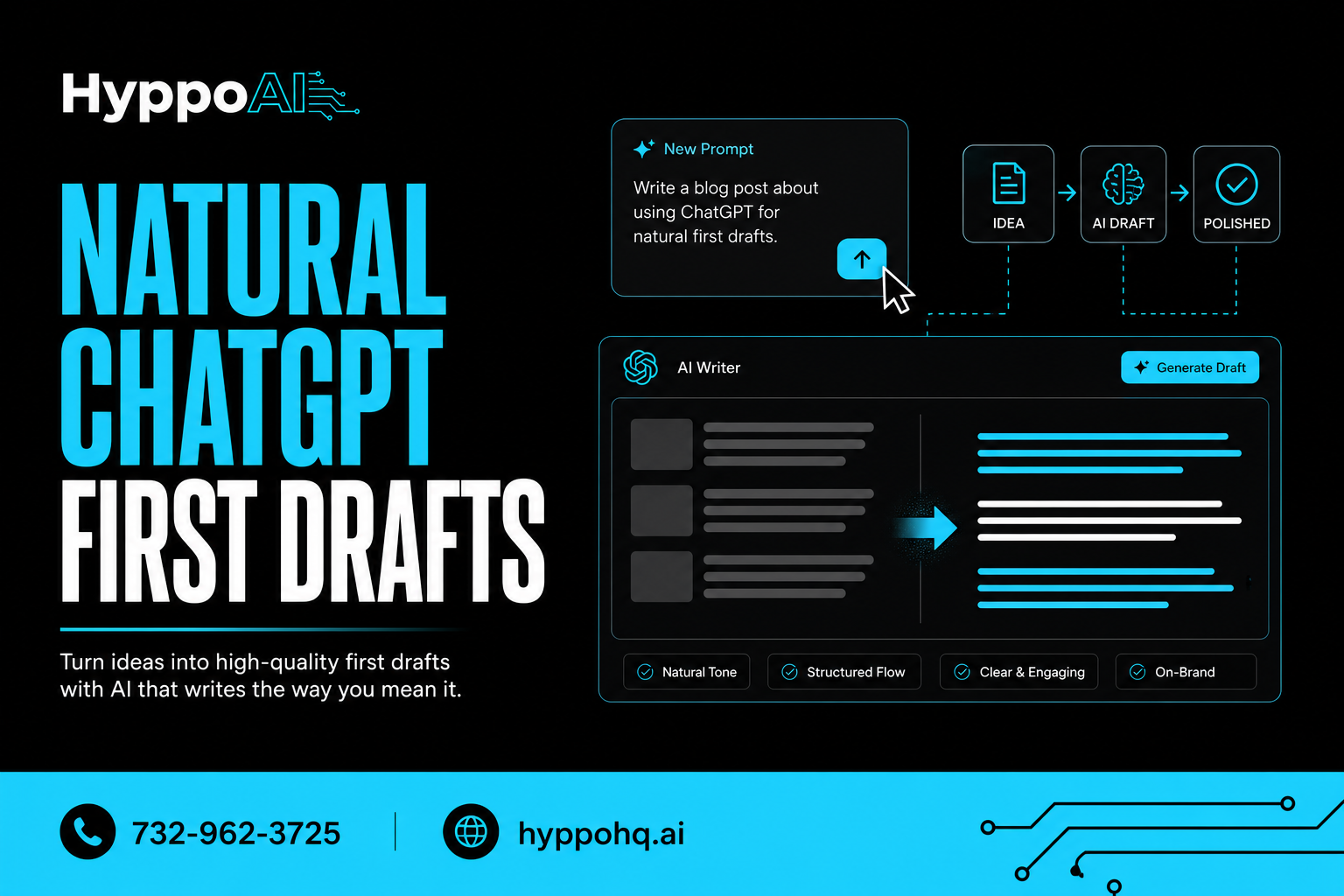
How to use ChatGPT for first drafts naturally
If you want to write faster without losing your voice, ChatGPT can be a strong first-draft tool.
The key is simple: use it to get momentum, not to do all the thinking for you.
A lot of people get stiff, generic output because they ask for polished final copy too early. That is usually the wrong move. First drafts should be rough, flexible, and easy to shape. When you use ChatGPT that way, it becomes much more natural.
Why ChatGPT works best for first drafts
Most writing bottlenecks happen before the real writing starts.
You may know the topic, the audience, and the goal, but still lose time staring at a blank page. ChatGPT helps by turning partial ideas into something you can react to.
That matters because editing is usually easier than inventing from scratch.
A natural workflow looks like this:
- You bring the idea, context, and direction
- ChatGPT gives you a rough structure or draft
- You rewrite, trim, and sharpen the message
- The final piece sounds like you, not the tool
If you expect one prompt to generate perfect copy, you will usually get average results. If you treat ChatGPT like a thinking partner for version one, the quality improves fast.
Start with raw input, not polished instructions
One of the best ways to get a natural first draft is to stop overengineering your prompt.
You do not need to sound formal. In fact, messy input often works better because it reflects how real ideas show up.
Try giving ChatGPT:
- Bullet points
- Voice notes transcribed into text
- Half-finished thoughts
- Customer questions
- Notes from a meeting
- Key points you do not want to forget
For example, instead of saying:
“Write a high-quality article about using AI in content creation.”
Try something more direct:
“Turn these notes into a rough blog draft for small business owners. Keep it practical, clear, and not hype-heavy. Include common mistakes and a simple step-by-step approach.”
That gives the model something real to work with.
Give it your voice before you ask for output
If you want natural writing, the model needs examples of what natural means for you.
Before asking for a first draft, provide a few lines that reflect your tone. This can be:
- A paragraph from an older post
- A sample email you wrote
- A social caption in your usual style
- A short note describing your tone
Useful voice directions might include:
- Clear and no-nonsense
- Conversational but professional
- Short sentences
- Practical, not academic
- Confident, not salesy
This step helps reduce the robotic feel. It also cuts down editing later.
A simple prompt framework
You do not need anything fancy. A reliable prompt structure is:
- Who it is for
- What the draft is about
- What format you want
- What tone to use
- What points must be included
- What to avoid
Example:
“Write a rough first draft for small business owners on how to use ChatGPT for first drafts naturally. Keep it practical, direct, and conversational. Use short paragraphs and bullets. Include why blank-page syndrome happens, how to prompt with messy notes, and how to edit AI output into your own voice. Avoid hype and jargon.”
That is enough to get a useful version one.
Ask for structure first, then the draft
A common mistake is asking for a full article immediately.
A better process is:
- Ask for an outline
- Review and adjust it
- Ask for the first draft based on that outline
This gives you more control and usually leads to stronger content.
For example, you can say:
- “Give me 5 possible angles for this topic.”
- “Now turn angle 3 into a simple outline.”
- “Expand that outline into a rough draft.”
This staged approach feels more natural because you are shaping the thinking as you go.
Use ChatGPT to sound more like you, not less
The best first drafts usually come from feeding the model your language patterns.
You can do that by asking it to mirror your style lightly rather than imitate a generic writing standard.
Try prompts like:
- “Write this in plain English.”
- “Make this sound more direct.”
- “Shorten the sentences.”
- “Remove buzzwords.”
- “Make this feel more human and less polished.”
Those instructions often produce better results than asking for “better writing.”
Better writing is vague. Specific writing choices are not.
Keep the first draft rough on purpose
A natural first draft should not be perfect.
If the output feels too polished, it can actually become harder to revise. You may be less likely to challenge weak ideas because the wording looks finished.
Instead, ask for:
- A rough draft
- A working draft
- A loose version
- A draft with placeholders where needed
This keeps the content flexible.
It also helps you stay in control of the final message.
Edit for truth, tone, and texture
Once ChatGPT gives you a first draft, your real job starts.
Review the draft in three passes.
1. Truth
Check that the points are accurate and aligned with what you actually believe.
Look for:
- Claims that sound too broad
- Advice that lacks context
- Repeated ideas dressed up in different words
- Anything that sounds certain but needs nuance
2. Tone
Make sure it sounds like a real person from your brand, not a generic assistant.
Tighten:
- Long intros
- Overexplained transitions
- Empty phrases like “in today’s fast-paced world”
- Words you would never say out loud
3. Texture
Human writing has rhythm. It uses variation, specifics, and sharp examples.
Improve texture by adding:
- A real scenario
- A stronger opinion
- A short sentence after a long one
- Concrete wording instead of abstract language
This is where the draft starts to feel natural.
Common mistakes to avoid
If your AI drafts keep sounding off, one of these is usually the reason.
Asking for final copy too early
Start with a draft, not the finished product.
Using vague prompts
“Write something good” is too open-ended.
Giving no audience context
A draft for SMB owners should not sound like a draft for enterprise buyers.
Keeping every sentence
You do not need to preserve the AI output. Cut hard.
Skipping your own input
The more real material you provide, the more natural the result.
A practical workflow you can use today
If you want a simple repeatable system, use this:
Step 1: Dump your ideas
Write messy notes for 3 to 5 minutes.
Step 2: Ask for an outline
Have ChatGPT organize the notes into sections.
Step 3: Expand into a rough draft
Ask for short paragraphs, bullets, and a practical tone.
Step 4: Rewrite key sections
Replace generic lines with your own language and examples.
Step 5: Trim aggressively
Cut repetition and flattening phrases.
Step 6: Final pass for voice
Read it out loud. If you would not say it, change it.
The real goal: speed with ownership
Using ChatGPT for first drafts naturally is not about handing off your thinking.
It is about moving faster while keeping ownership of the message.
That is the sweet spot.
You get help with momentum, structure, and phrasing, but the final piece still reflects your judgment, experience, and voice.
For small teams and busy business owners, that can make content creation much more sustainable.
If your current process is slow, inconsistent, or blocked by blank-page syndrome, start using ChatGPT earlier in the workflow. Just do not confuse a first draft with a final answer.
Use it to begin. Then make it yours.
If you want practical AI workflows that help your business create content and operate more efficiently, visit https://hyppohq.ai or call +17329623725 to learn more about HyppoAI.
