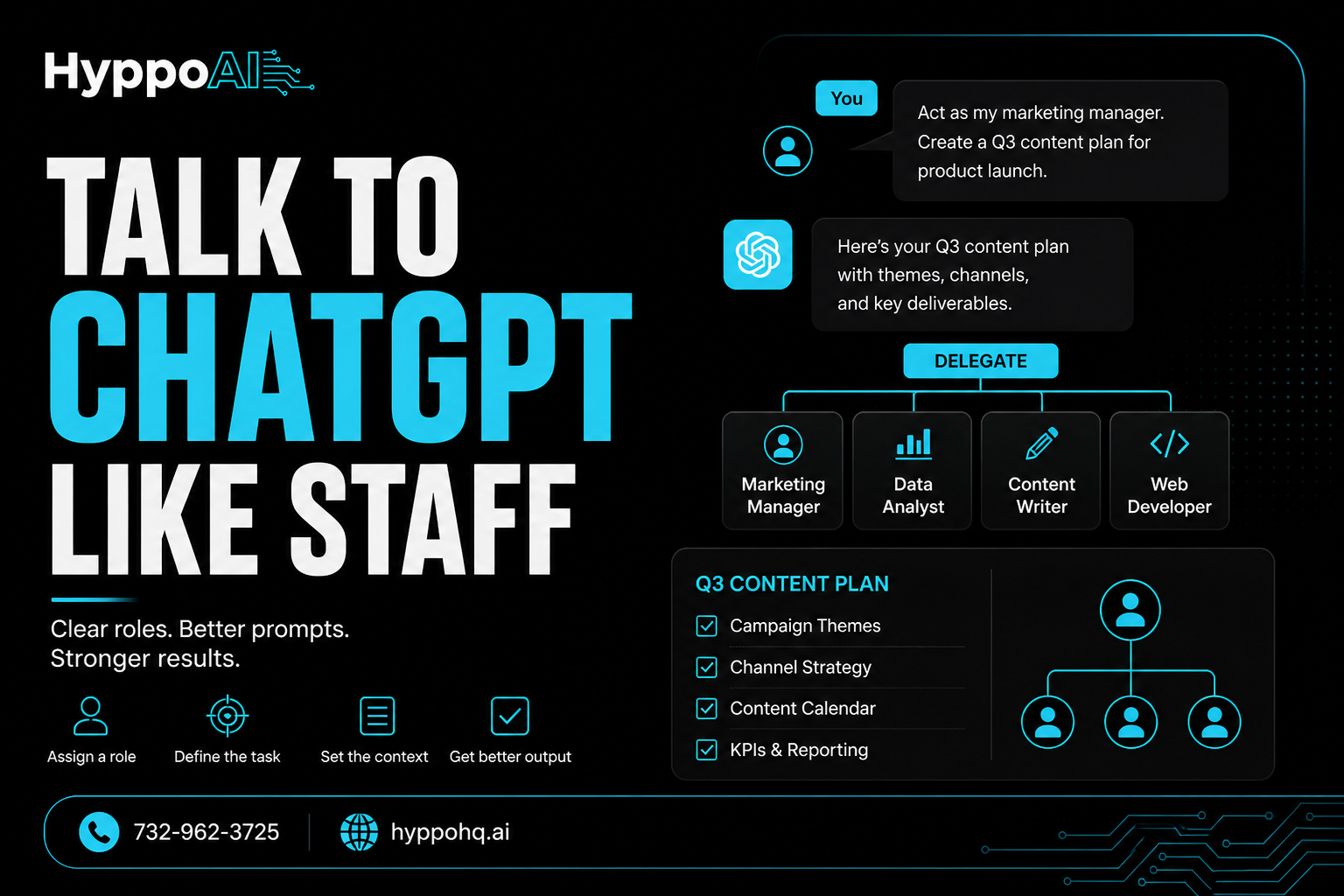
How to talk to ChatGPT like an employee
If you want better results from AI, stop treating it like a search bar.
The biggest shift is simple: talk to ChatGPT like an employee.
That does not mean pretending it is human. It means giving it the same things a good team member needs to do strong work: a role, context, clear goals, constraints, examples, and feedback.
For small and mid-sized businesses, this mindset changes everything. Instead of asking random one-off questions, you can start using AI as a practical support system for marketing, operations, customer communication, documentation, and internal workflows.
Why most people get weak results from ChatGPT
Most poor AI output comes from poor instruction.
A vague prompt like, “Write me a sales email,” is the equivalent of walking up to an employee and saying, “Do marketing,” then expecting polished results.
In a real business, you would usually provide:
- The objective
- The audience
- The brand voice
- The offer
- The deadline
- The format
- Examples of what good looks like
ChatGPT works the same way.
The more clearly you define the job, the better the output tends to be.
What it means to talk to ChatGPT like an employee
Think of ChatGPT as a fast, capable assistant that performs best when managed well.
That means you should assign it:
A role
Tell it who it is in the context of the task.
Examples:
- “Act as my operations assistant.”
- “You are a customer support writer for a home service company.”
- “You are a marketing strategist for an SMB AI company.”
A role helps narrow the style, priorities, and decision-making approach.
A task
Be specific about what you want done.
Examples:
- “Draft a follow-up email for leads who missed our call.”
- “Summarize this meeting into action items.”
- “Turn these notes into a standard operating procedure.”
Context
This is where most users fall short.
Give ChatGPT the background an employee would need, such as:
- Who the customer is
- What your business does
- What problem you solve
- What happened before this task
- What tools or systems are involved
- What tone or compliance rules matter
Without context, AI fills in the gaps. Sometimes that works. Often it does not.
Constraints
Strong employees work within clear boundaries. So does AI.
Useful constraints include:
- Word count
- Reading level
- Format
- Brand voice
- What to avoid
- Whether to ask clarifying questions first
Example: “Keep it under 150 words, use a direct tone, avoid jargon, and include a clear call to action.”
Examples
Examples are one of the fastest ways to improve output.
If you already have a style you like, show it.
You can say:
- “Here is an example of a caption that matches our voice.”
- “Use this email as a model for structure, but rewrite it for this audience.”
- “Make the output sound like these three samples.”
A simple framework that works
If you want a repeatable way to prompt better, use this structure:
Role + objective + context + format + constraints
For example:
“Act as my sales assistant. Write a follow-up email to a small business owner who booked a demo but did not respond after. Our company helps SMBs use AI to improve lead follow-up and operations. Keep the tone confident and practical. Make it under 120 words. Include a subject line and one clear CTA.”
That is dramatically better than:
“Write a follow-up email.”
Treat ChatGPT like a trainable team member
A good employee improves with direction and feedback. ChatGPT can too, within a conversation or workflow.
If the first result is close but not right, do not start over immediately. Coach it.
Try feedback like:
- “Make this more concise.”
- “Use simpler language.”
- “This is too generic. Add specifics for service businesses.”
- “Rewrite this in a more direct tone.”
- “Keep the structure, but make the CTA stronger.”
This is how you get from average output to useful output.
Best use cases for SMBs
For small and mid-sized businesses, talking to ChatGPT like an employee is especially useful in repeatable work.
Marketing support
ChatGPT can help with:
- Social captions
- Email drafts
- Blog outlines
- Ad variations
- FAQ content
- Offer positioning
When you provide brand voice and audience details, the output gets much stronger.
Operations and documentation
AI is also useful behind the scenes.
It can help create:
- SOPs
- Internal checklists
- Training docs
- Meeting summaries
- Process maps
- Team communication drafts
This is where AI starts acting less like a novelty and more like operational leverage.
Customer communication
With the right guidance, ChatGPT can support:
- Follow-up messages
- Appointment reminders
- Support replies
- Lead qualification scripts
- Intake question sets
Just make sure a human reviews important customer-facing communication, especially in sensitive or regulated scenarios.
What not to do
Talking to ChatGPT like an employee does not mean assuming it knows everything.
Avoid these common mistakes:
Giving no context
If you skip the business details, target audience, or desired outcome, you are likely to get generic content.
Expecting perfect first drafts
AI is fast, not magical. The first version is often a working draft, not the final answer.
Ignoring review
ChatGPT can sound confident even when it is incomplete or off-target. Review facts, tone, and accuracy before using the output.
Using it for undefined work
If the task itself is unclear, AI will not fix that. Clear thinking still matters.
A practical prompt template
Here is a simple template you can reuse:
Prompt template
“You are my [role]. Your task is to [objective]. Here is the context: [business, audience, situation]. The output should be in [format]. Follow these constraints: [tone, length, structure, must-include items, avoid items]. If anything is unclear, ask up to 3 clarifying questions before completing the task.”
This works well because it mirrors real delegation.
The mindset shift that matters most
The real value is not just better prompts. It is better management of AI.
When you stop using ChatGPT casually and start using it like a structured team resource, you get more consistency, speed, and usefulness.
That is the difference between playing with AI and actually implementing it in a business.
For SMBs, this matters because time is limited. You do not need more tools that create noise. You need systems that help your team move faster and make better decisions.
Final takeaway
If you want ChatGPT to produce better work, give it what a strong employee would need: a role, context, clear expectations, examples, and feedback.
That one shift can improve the quality of your prompts, the consistency of your output, and the practical value of AI across your business.
If your business is exploring smarter AI workflows for marketing, operations, or lead follow-up, HyppoAI can help. Visit https://hyppohq.ai or call +17329623725 to learn more.
