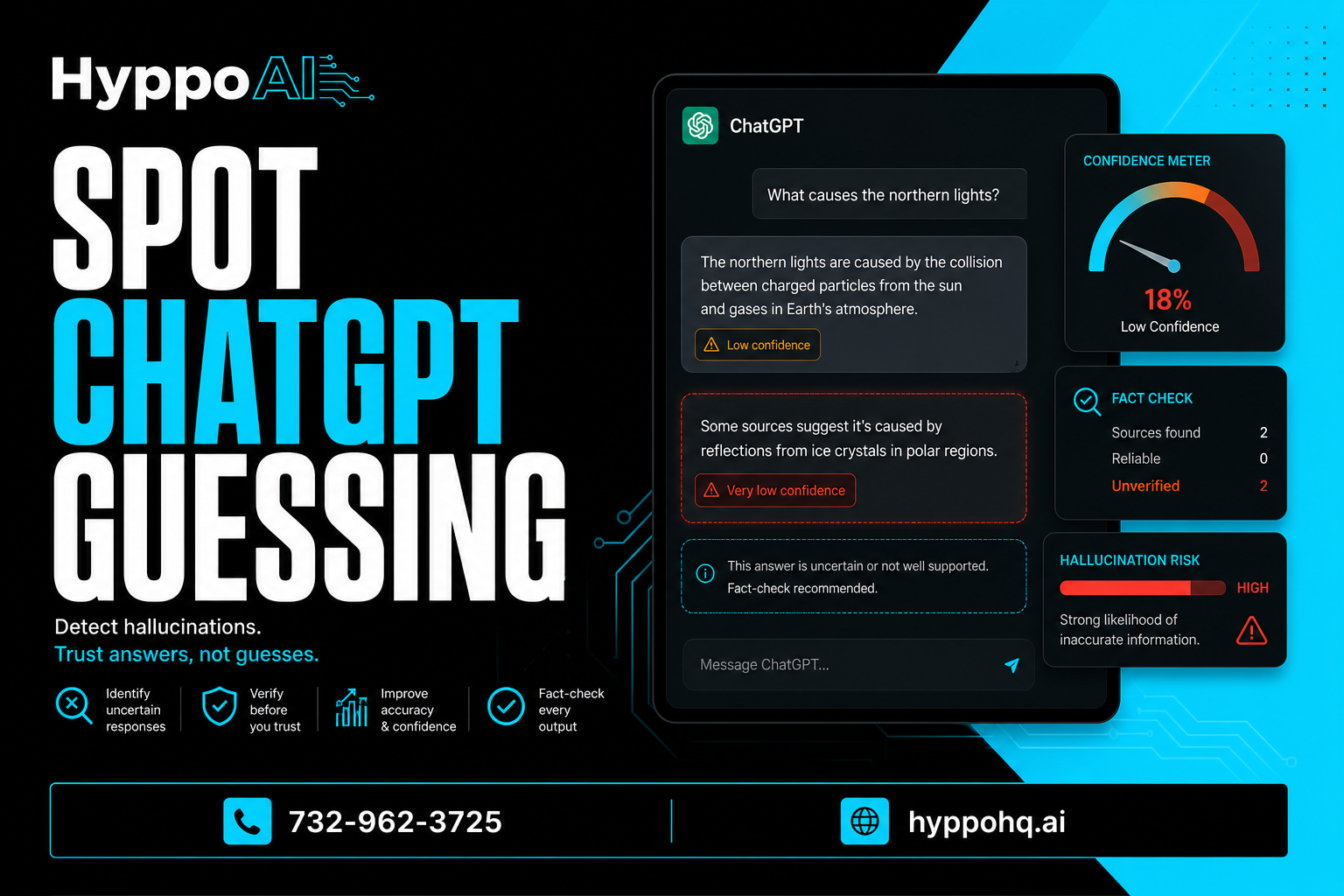
How to spot when ChatGPT is guessing answers
ChatGPT is useful because it responds fast, organizes ideas well, and can turn rough prompts into readable output in seconds. The problem is that speed and confidence can hide a simple truth: sometimes it is guessing.
That matters even more for small and midsize businesses. If you use AI for research, customer support drafts, SOPs, sales messaging, or internal decision support, a polished wrong answer can waste time, create risk, and damage trust.
The good news is that guessing usually leaves clues. Once you know what to look for, you can catch weak answers early and improve the quality of the output.
Why ChatGPT guesses in the first place
ChatGPT does not think like a human expert. It predicts the next most likely words based on patterns in data. That means it can produce answers that sound right even when the underlying facts are thin, outdated, or missing.
It is most likely to guess when:
- Your prompt is vague
- The topic is highly specific or niche
- The answer requires up-to-date facts
- You ask for sources it does not truly have
- The task involves legal, medical, financial, or compliance details
- You ask it to fill in missing information instead of saying "I don't know"
The more pressure there is to sound complete, the more likely the model is to confidently improvise.
The biggest signs ChatGPT is guessing
Here are the patterns that should make you pause.
It sounds overly confident without showing its work
A common red flag is certainty without evidence. If the answer makes strong claims but gives no reasoning, no assumptions, and no source path, treat it carefully.
Watch for phrases like:
- "Definitely"
- "Always"
- "The best approach is"
- "This is the standard rule"
Confidence is not proof. Strong wording can mask weak logic.
It uses vague specifics
Bad AI output often includes details that feel precise but are hard to verify. For example, it may mention percentages, dates, names, or regulations without context.
This is a classic guessing pattern: the answer includes enough detail to feel credible, but not enough to confirm.
Ask yourself:
- Where did that number come from?
- Is this date current?
- Does that rule apply in my state, industry, or use case?
It avoids saying what it does not know
A reliable assistant should acknowledge uncertainty. If ChatGPT answers every question as if it has full visibility, that is a problem.
Good output often includes limits such as:
- "I may be missing current data"
- "This depends on your industry"
- "You should verify this against your policy or source"
If there is no uncertainty on a topic that obviously has edge cases, it may be guessing.
The logic breaks under follow-up questions
One of the fastest tests is to ask the model to explain its reasoning step by step. If the answer starts changing, contradicting itself, or getting more generic, the first response may have been a guess.
Useful follow-ups include:
- "How did you arrive at that conclusion?"
- "What assumptions are you making?"
- "What would make this answer wrong?"
- "Can you give me the source type I should verify?"
Weak answers often fall apart when challenged.
It invents sources, quotes, or references
This is one of the clearest warning signs. Sometimes AI will cite books, articles, studies, or URLs that do not exist, or it will attribute a quote to the wrong person.
If a source matters, verify it outside the chat. Never assume a citation is real just because it looks formal.
The answer is too polished for a messy question
Real expertise often includes nuance, tradeoffs, and caveats. If you ask a complicated question and get a neat, frictionless answer, be careful.
Business reality is messy. Clean language can hide shallow analysis.
Practical ways to test whether the answer is solid
You do not need to distrust every response. You just need a simple review process.
Ask for assumptions first
Before asking for a final answer, ask ChatGPT to list assumptions. This forces the model to expose what it is filling in.
Example:
- "Before answering, list the assumptions you are making about my business, market, and tools."
This is especially useful for operations, marketing strategy, and automation planning.
Request confidence levels
You can ask the model to rate parts of its answer by confidence.
Try:
- "Label each claim as high, medium, or low confidence and explain why."
This will not make the answer automatically true, but it helps surface where the model is less certain.
Separate facts from suggestions
A strong prompt asks the model to distinguish between verifiable facts and recommendations.
For example:
- "Split your answer into: verified facts, likely assumptions, and suggested next steps."
That structure makes guessing easier to spot.
Ask for what to verify externally
One of the best prompts is simple:
- "What parts of this answer should I verify with a primary source?"
If the answer involves regulations, pricing, competitor claims, software capabilities, or industry benchmarks, external verification is smart.
Use comparison prompts
Ask the same question in two different ways. If the core answer changes dramatically, that is a sign the model may be improvising.
You can also ask:
- "Give me the strongest argument against your answer."
- "What would an expert disagree with here?"
These prompts expose weak spots fast.
Where guessing is most dangerous for SMBs
Not every wrong answer has the same cost. For SMBs, these areas deserve extra caution.
Compliance and legal language
Do not rely on ChatGPT alone for contracts, HR policy, privacy language, or regulated workflows. Use it to draft, not to finalize.
Financial decisions
Budget assumptions, tax treatment, pricing strategy, and ROI projections need human review. AI can help frame the question, but not replace professional judgment.
Customer-facing automation
If you use AI in chat, email, voice, or lead follow-up, guessing can create a trust problem. Customers notice when an answer sounds smooth but misses the point.
SOPs and internal training
If AI writes your process documentation, verify every step. A made-up step in an SOP can create repeated operational errors.
How to get better answers in the first place
The best way to reduce guessing is to improve the prompt and the workflow around it.
Give real context
Include details like:
- Your business type
- Your goal
- Your constraints
- Your audience
- Your current tools
- What you already know to be true
The less the model has to infer, the less it has to guess.
Tell it to say "I don't know"
This matters more than most people realize. Give the model permission to be incomplete.
Try:
- "If you are unsure, say so clearly instead of filling gaps."
That single instruction often improves reliability.
Ask for ranges, not false precision
Instead of asking for exact numbers when none are available, ask for scenarios or ranges.
For example:
- "Give me a conservative, likely, and aggressive estimate based on the assumptions."
This is usually more useful for business planning than a single polished number.
Keep a human in the loop
AI works best as a first-pass assistant, not an unchecked authority. Use it to accelerate thinking, drafting, and research prep. Then apply human review where accuracy matters.
A simple rule to remember
If ChatGPT gives a high-stakes answer with high confidence and low transparency, slow down.
That is the pattern to watch.
Use AI for speed, structure, and leverage. Do not confuse fluency with truth. The teams that get the most value from AI are not the ones that trust it blindly. They are the ones that know how to challenge it.
If your business wants practical AI systems that improve productivity without adding risk, HyppoAI can help. Visit https://hyppohq.ai or call +17329623725 to learn how to use AI more effectively in your day-to-day operations.
