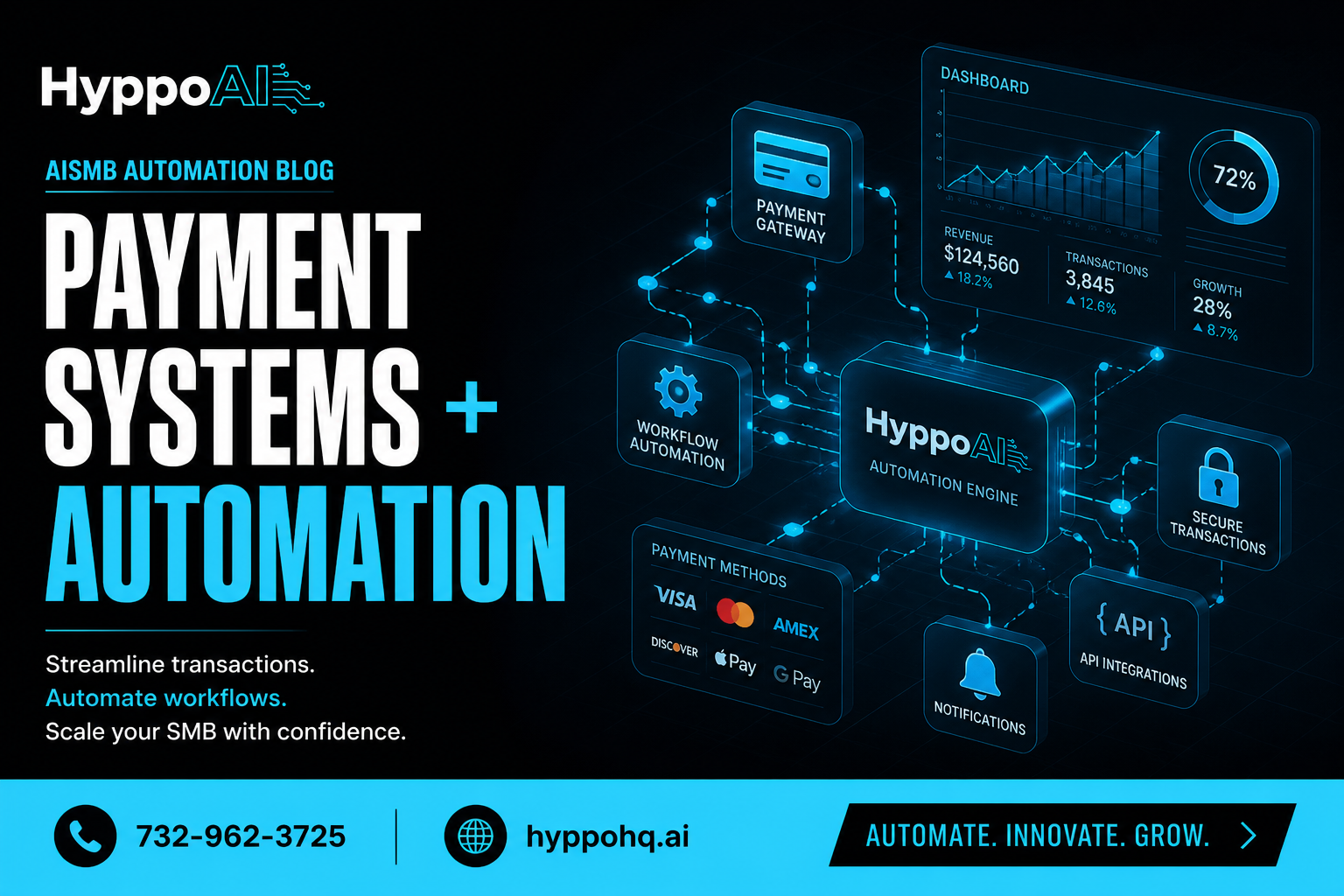
How payment systems connect to automation for SMB growth
Payment systems are no longer just a checkout tool. For small and midsize businesses, they can act as a trigger point for automation across sales, operations, customer service, and reporting.
When a payment system connects to your broader workflow, one transaction can set off a chain of useful actions. An invoice gets marked paid. A customer receives a confirmation. A team gets notified to start fulfillment. A dashboard updates revenue in real time.
That is the real value of connecting payment systems to automation: fewer manual steps, fewer errors, and faster execution.
What it means to connect payment systems to automation
At a basic level, payment automation means your payment platform shares data with other tools you use to run the business.
That can include:
- CRM systems
- Invoicing tools
- Accounting software
- Scheduling platforms
- Inventory systems
- Customer support tools
- Internal notifications
- AI-powered workflows
Instead of someone manually checking whether a payment came in and then updating multiple systems, the process happens automatically based on rules.
For example:
- A customer pays an invoice
- The payment system confirms the transaction
- Your CRM updates the deal status
- Your accounting software records the revenue
- Your team gets a fulfillment alert
- The customer receives a receipt and next steps
One payment becomes one clean workflow.
Why this matters for SMBs
Most SMBs do not have time to waste on repetitive admin work. Teams are lean. Owners wear multiple hats. Delays in billing, fulfillment, and follow-up can hurt both cash flow and customer experience.
Connecting payment systems to automation helps solve that.
Key business benefits
1. Faster cash flow visibility
When payments sync automatically with reporting and accounting tools, you get a clearer picture of what has been paid, what is outstanding, and where revenue is coming from.
2. Fewer manual errors
Manual entry creates problems. Wrong amounts, missed status updates, duplicate records, and delayed follow-up all cost time. Automation reduces those risks.
3. Better customer experience
Customers expect instant confirmations, accurate receipts, and quick next steps. Automated workflows make that possible without adding work to your team.
4. Stronger internal coordination
Operations, sales, and finance often depend on the same payment event. Automation keeps everyone aligned from the same source of truth.
5. More scalable operations
As transaction volume grows, manual processes break. Automated payment workflows help businesses scale without increasing admin overhead at the same pace.
Common ways payment systems connect to automation
The exact setup depends on your stack, but there are several practical use cases that apply to many service-based SMBs.
Invoice paid to service delivery
Once a customer pays:
- The invoice is marked complete
- A project or job is created
- The service team is notified
- A welcome or onboarding email is sent
This is useful for agencies, consultants, home services, and professional service firms.
Payment received to CRM update
When a payment is completed:
- The contact record updates
- The lead or deal stage changes
- The customer is tagged by service or plan
- Follow-up sequences adjust automatically
This keeps sales and customer success working from accurate data.
Subscription payment to account access
For recurring services or memberships:
- Successful payment maintains access
- Failed payment triggers reminders
- Recovered payment restores workflows
- Churn risk can be flagged for follow-up
This creates a cleaner lifecycle for recurring revenue businesses.
Payment event to accounting sync
A connected workflow can:
- Record the transaction
- Match it to the customer or invoice
- Categorize revenue
- Reduce reconciliation work
This saves time for bookkeepers and owners alike.
Payment failure to recovery workflow
Failed or incomplete payments should not sit unnoticed. Automation can trigger:
- Reminder emails or texts
- Internal alerts
- Retry sequences
- Support outreach
That means fewer lost payments and less revenue leakage.
Where AI fits into payment automation
Automation handles rules. AI helps make those workflows smarter.
For example, AI can support payment-connected systems by helping:
- Route customer questions about invoices or billing
- Prioritize overdue accounts for follow-up
- Summarize payment-related support issues
- Trigger contextual responses based on customer history
- Identify patterns in failed payments or delays
For SMBs, this matters because payment data is often tied to the most important operational moments: onboarding, delivery, renewals, and retention.
If those moments are automated well, the business runs faster and with more consistency.
What to review before connecting your systems
Not every automation is a good automation. Before connecting payment systems to your workflow, review the basics.
Data accuracy
Make sure customer records, invoice IDs, and payment statuses are structured consistently across tools.
Trigger logic
Be clear about what event starts the automation. Is it payment completed, payment pending, invoice sent, or subscription renewed?
Exception handling
Think through edge cases such as:
- Partial payments
- Refunds
- Chargebacks
- Failed transactions
- Duplicate customer records
Security and permissions
Payment data is sensitive. Limit access, use trusted integrations, and make sure workflows only expose the data necessary for the task.
Team ownership
Someone should own the workflow. Automation still needs monitoring, updates, and occasional troubleshooting.
Signs your payment process should be automated
If any of these sound familiar, it may be time to connect your payment systems to automation:
- Your team manually checks for payments every day
- Customers wait too long for receipts or confirmations
- Fulfillment starts late because no one saw the payment
- Your CRM and accounting data do not match
- Failed payments are slipping through the cracks
- Reporting takes too long at the end of the week or month
These are not just admin issues. They affect speed, accuracy, customer satisfaction, and revenue.
A practical way to think about it
Do not start with every possible integration. Start with one payment event that creates repeated manual work.
Ask:
- What happens right after a payment comes in?
- Who has to know?
- What system has to update?
- What customer communication should happen?
- What delays are currently caused by manual steps?
Then automate that sequence first.
The best payment automation is not flashy. It is reliable. It removes friction from the moments that matter most.
Final takeaway
Payment systems connect to automation by turning transactions into workflow triggers. That simple shift can improve speed, reduce errors, strengthen follow-up, and help SMBs operate with more control.
For businesses looking to scale without adding unnecessary complexity, this is one of the most practical places to improve operations.
If you want to explore smarter automation for your business, HyppoAI can help you think through the right systems and workflows. Visit https://hyppohq.ai or call +17329623725 to learn more.
