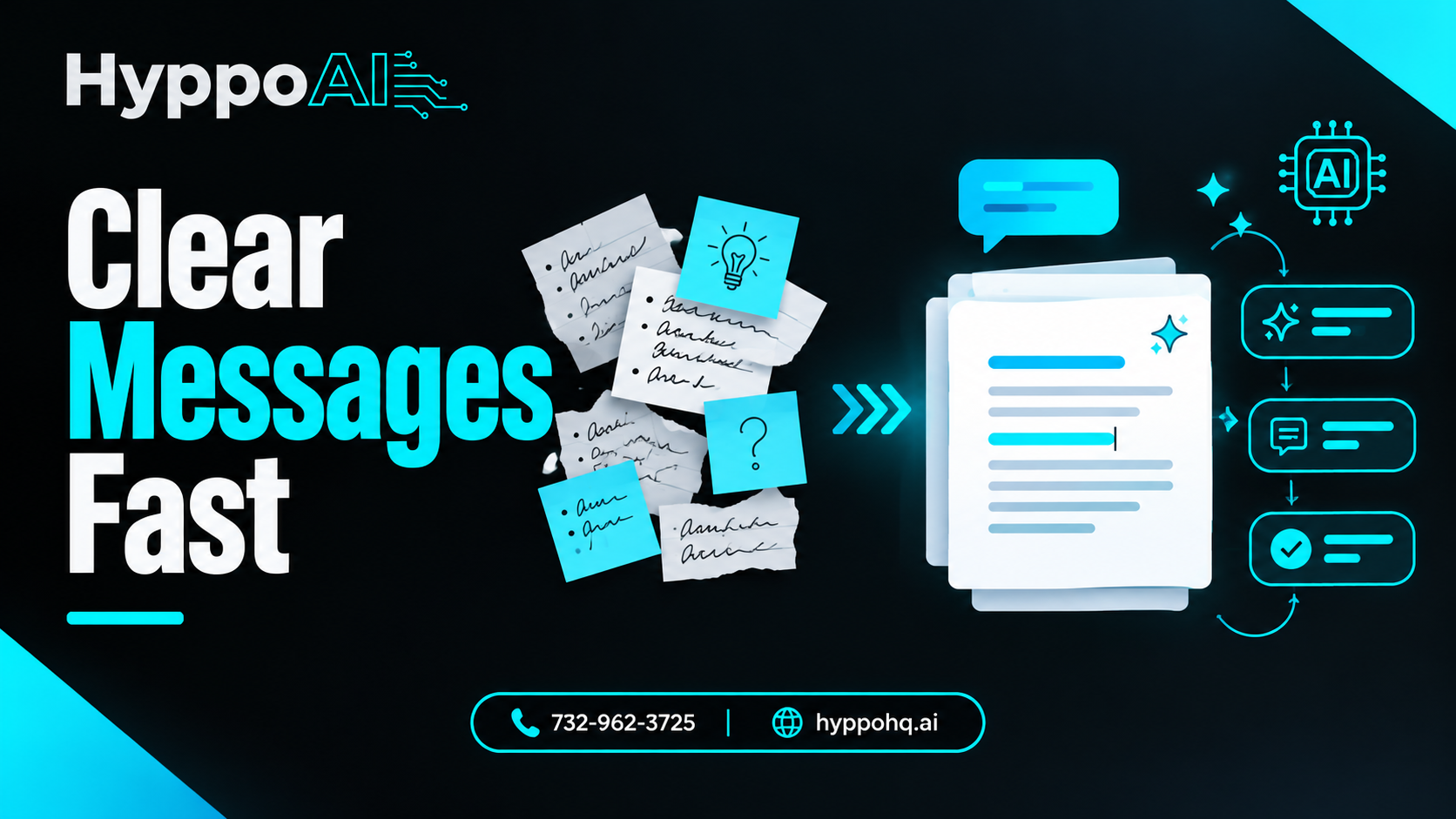
How ChatGPT turns rough notes into clear messages
Most people do not struggle with ideas.
They struggle with turning those ideas into something clear.
A page of bullet points, a rushed voice memo, or a few fragmented thoughts in a notes app can hold the right information. But that does not mean it is ready to send to a client, a team member, or a lead.
That is where ChatGPT becomes useful.
When used well, ChatGPT can turn rough notes into clear messages that are easier to read, faster to write, and more consistent with your brand voice. For small and midsize businesses, that means less time rewriting and more time moving work forward.
Why rough notes slow communication down
Rough notes are usually written for speed, not clarity.
They often include:
- incomplete thoughts
- repeated ideas
- unclear structure
- missing context
- inconsistent tone
- extra details that distract from the main point
That is normal. Notes are supposed to capture thinking in progress.
The problem starts when those same notes need to become a polished email, internal update, sales follow-up, or social caption. Without editing, the message can feel confusing, too long, or too vague.
Clear communication matters because it affects how people respond. If your message is easy to understand, people are more likely to act on it.
How ChatGPT helps organize messy input
ChatGPT works best when it is given raw material and a clear goal.
If you paste in rough notes and explain what the final message should do, it can help by:
- identifying the main point
- removing repetition
- organizing ideas in a logical order
- rewriting for clarity and tone
- shortening or expanding based on the audience
- turning one draft into multiple versions
This is especially useful for SMB teams that wear multiple hats. Instead of spending extra time cleaning up every message manually, they can use AI to create a strong first draft quickly.
Example of rough notes becoming a clear message
A rough note might look like this:
- meeting moved to thursday
- need sales numbers before then
- keep update short
- mention issue with follow-up delays
- ask team to bring ideas
That note contains the essentials, but it is not ready to send.
ChatGPT can turn it into something like this:
"Quick update: our meeting has been moved to Thursday. Please send over your latest sales numbers before then so we can keep the discussion focused. We also need to address recent follow-up delays, so come prepared with ideas on how to improve the process."
Same information. Better delivery.
Best use cases for turning notes into messages
This workflow is valuable across many types of business communication.
Internal team updates
Managers and operators often jot down fast notes after meetings or calls. ChatGPT can turn those notes into:
- recap emails
- action-item summaries
- project updates
- process reminders
That keeps teams aligned without forcing someone to spend extra time rewriting everything from scratch.
Client and customer communication
Sometimes the key facts are there, but the wording needs work. ChatGPT can help shape rough notes into:
- professional emails
- status updates
- onboarding messages
- follow-up responses
The result is clearer communication that sounds more polished and easier to trust.
Sales and lead follow-up
Fast follow-up matters, but rushed writing can weaken the message.
With the right prompt, ChatGPT can turn quick notes from a call or discovery conversation into:
- personalized follow-up emails
- proposal summaries
- next-step messages
- objection-handling replies
That helps teams respond faster without sounding generic.
Social media and marketing content
A lot of strong marketing starts as rough ideas.
It might be:
- a few bullet points from a founder
- a quick thought after a customer conversation
- a list of product benefits
- notes from a team brainstorm
ChatGPT can shape those into captions, short posts, email drafts, or content outlines that are easier to publish and refine.
How to get better results from ChatGPT
The quality of the output depends on the quality of the instruction.
You do not need perfect prompts. But you do need direction.
Here are a few ways to improve results when turning rough notes into clear messages.
1. State the audience
Tell ChatGPT who the message is for.
For example:
- write this for a client
- rewrite this for my internal team
- make this sound like a sales follow-up
Audience changes wording, structure, and level of detail.
2. Define the goal
Say what the message should accomplish.
Examples:
- make this clearer
- turn this into a concise email
- rewrite this as a confident LinkedIn post
- summarize these notes into three action items
A clear goal helps the model prioritize what matters.
3. Set the tone
Tone matters as much as content.
You can ask ChatGPT to sound:
- direct
- professional
- friendly
- confident
- concise
- persuasive
For brands, this is where consistency improves. Instead of every message sounding different, AI can help keep communication aligned.
4. Ask for formatting
Do not stop at the wording. Ask for structure too.
Examples:
- use bullet points
- keep this under 100 words
- write a subject line and body
- make it skimmable
Formatting often makes the difference between a message that gets ignored and one that gets read.
What ChatGPT should not replace
ChatGPT is a strong drafting tool, but it should not replace judgment.
You still need a human to review:
- factual accuracy
- sensitive wording
- brand alignment
- final approvals
- business context that may not be in the notes
Think of it as a clarity engine, not an autopilot.
The goal is not to remove people from communication. The goal is to remove friction from communication.
A simple workflow SMB teams can use
If your business wants to use ChatGPT more practically, keep the workflow simple.
Step 1: Capture fast
Write rough notes the way you normally would. Do not over-edit at this stage.
Step 2: Add context
Paste the notes into ChatGPT and explain:
- who the message is for
- what outcome you want
- what tone to use
- any length or format limits
Step 3: Review and refine
Read the draft, adjust any details, and make sure it matches your intent.
Step 4: Save what works
If a prompt consistently gives strong results, save it. Reusable prompts help teams create better communication faster over time.
Why this matters for growing businesses
As a business grows, communication volume grows too.
More leads. More updates. More follow-ups. More internal coordination.
If every message takes too long to write, clarity becomes a bottleneck.
ChatGPT helps reduce that bottleneck by turning scattered thinking into structured communication. That can improve speed, consistency, and output without adding unnecessary complexity.
For SMBs, that is the real value. Not hype. Practical leverage.
If your team already has the ideas but struggles to package them clearly, AI can help close that gap.
Want to see how AI can improve communication and workflows across your business? Visit HyppoAI at https://hyppohq.ai or call +17329623725 to learn more.
