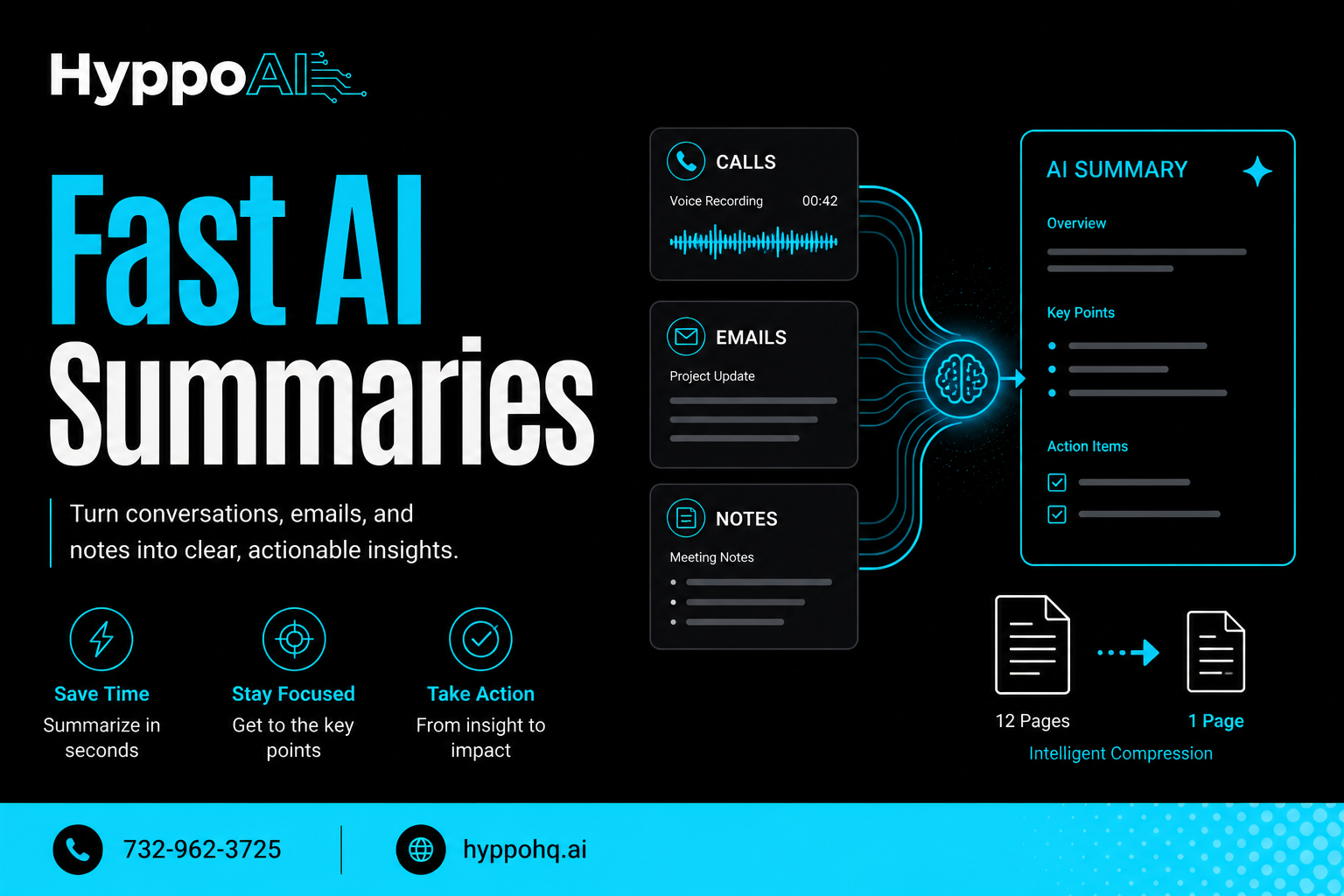
How ChatGPT can summarize calls, emails, or notes fast
If your day is packed with phone calls, overflowing inboxes, and pages of meeting notes, the real problem usually is not the volume. It is the time it takes to turn all that information into something useful.
That is where ChatGPT can help.
For small and mid-sized businesses, speed matters. You need to know what was said, what matters, and what happens next. Instead of rereading a long email thread or listening back to a full call, ChatGPT can summarize the key points in seconds and help your team move faster.
Why summarizing communication matters
Most businesses lose time in the handoff.
A sales call ends, but nobody writes a clean recap. A customer email comes in, but the important issue is buried in three paragraphs. Meeting notes exist, but they are too messy to share. When information is unclear, follow-up slows down.
Fast summaries help your business:
- Save time on admin work
- Reduce missed details
- Improve team handoffs
- Speed up follow-up with leads and customers
- Keep decisions documented and easy to review
For SMBs, that can mean better operations without adding more overhead.
What ChatGPT can summarize quickly
ChatGPT is useful when you need to compress raw information into a short, readable format.
1. Phone calls and call transcripts
If you have a recorded call or transcript, ChatGPT can turn it into:
- A short summary of the conversation
- Key customer concerns
- Action items
- Next steps for your team
- A CRM-ready note
This is helpful for sales calls, service calls, intake calls, and internal meetings.
2. Long email threads
Email chains can get messy fast. ChatGPT can pull out:
- The main issue
- Who said what
- Open questions
- Deadlines
- Recommended response points
Instead of reading ten back-and-forth messages, your team gets the core message right away.
3. Meeting notes and brainstorms
Rough notes are often hard to use later. ChatGPT can organize them into:
- Clean summaries
- Bullet points by topic
- Decision logs
- Task lists by owner
- Follow-up emails
That makes notes more useful for leadership, operations, and client-facing teams.
How to use ChatGPT for better summaries
The quality of the output depends on what you give it and how you ask.
Start with clear input
Paste in the transcript, email thread, or notes. If the content is long, include enough context so ChatGPT understands the topic.
Examples of strong inputs include:
- A sales call transcript
- A support email conversation
- Notes from a team meeting
- A voice memo transcript
Give it a specific job
Do not just say, “summarize this.”
Tell ChatGPT what kind of summary you want. For example:
- Summarize this call in five bullet points
- Pull out customer objections and next steps
- Turn this email thread into a short internal update
- Organize these notes into decisions, tasks, and deadlines
The more specific the request, the more useful the summary will be.
Ask for the format you need
Different teams need different outputs. ChatGPT can format summaries for:
- CRM entries
- Slack updates
- Follow-up emails
- Executive briefings
- Task lists
This is where the real time savings happen. You are not just getting a summary. You are getting something ready to use.
Practical examples for SMBs
Here are a few simple ways businesses can use ChatGPT right away.
Sales teams
After a discovery call, ChatGPT can produce:
- Prospect goals
- Pain points
- Budget signals
- Objections
- Agreed next steps
That helps reps stay organized and helps managers review calls faster.
Customer service teams
For support interactions, ChatGPT can summarize:
- The customer issue
- Steps already taken
- Current status
- Escalation needs
This improves continuity when multiple team members touch the same account.
Owners and operators
Business owners often jump between calls, texts, emails, and meetings. ChatGPT can help turn all of that into:
- Daily recaps
- Priority lists
- Decision summaries
- Follow-up reminders
That means less mental clutter and faster execution.
Best practices to get better results
ChatGPT is fast, but it works best with a simple process.
Keep prompts consistent
If your team always needs the same type of summary, create a standard prompt.
For example:
- Summarize this customer call in three sections: issue, important details, next steps.
- Turn this email thread into a concise internal update with action items.
- Clean up these meeting notes into decisions, owners, and deadlines.
Consistency makes outputs easier to review and use across the business.
Review for accuracy
AI can save time, but human review still matters. Always scan the summary before sending it to a customer, saving it to your CRM, or using it for decisions.
This is especially important when:
- Names matter
- Dates or pricing are mentioned
- Compliance or legal topics are involved
- The original notes are messy or incomplete
Protect sensitive information
Be intentional about what you upload into any AI tool. If you are handling sensitive business or customer data, make sure your team uses approved workflows and understands your privacy standards.
Where this creates the biggest ROI
The biggest win is not just speed. It is clarity.
When summaries happen quickly and consistently, your business can:
- Respond faster to leads
- Keep better records
- Reduce dropped follow-ups
- Improve internal communication
- Free up staff from repetitive admin work
That is why AI summaries are not just a convenience. They are an operational advantage.
For many SMBs, this is one of the easiest ways to start using AI without changing everything at once. You already have calls, emails, and notes. ChatGPT simply helps you process them faster.
A simple way to get started
If you want to test this in your business, start small.
Pick one workflow, such as:
- Summarizing sales calls
- Cleaning up meeting notes
- Condensing support email threads
Then create one standard prompt and use it for a week. Measure how much time it saves and how much easier follow-up becomes.
That small change can reveal where AI fits into your day-to-day operations.
Final takeaway
ChatGPT can summarize calls, emails, or notes quickly because it removes the slowest part of communication: turning raw information into usable insight.
For SMBs, that means less time sorting through details and more time acting on them.
If you want to explore practical AI workflows for your business, HyppoAI helps SMBs implement smarter systems that save time and improve operations. Visit https://hyppohq.ai or call +17329623725 to learn more.
