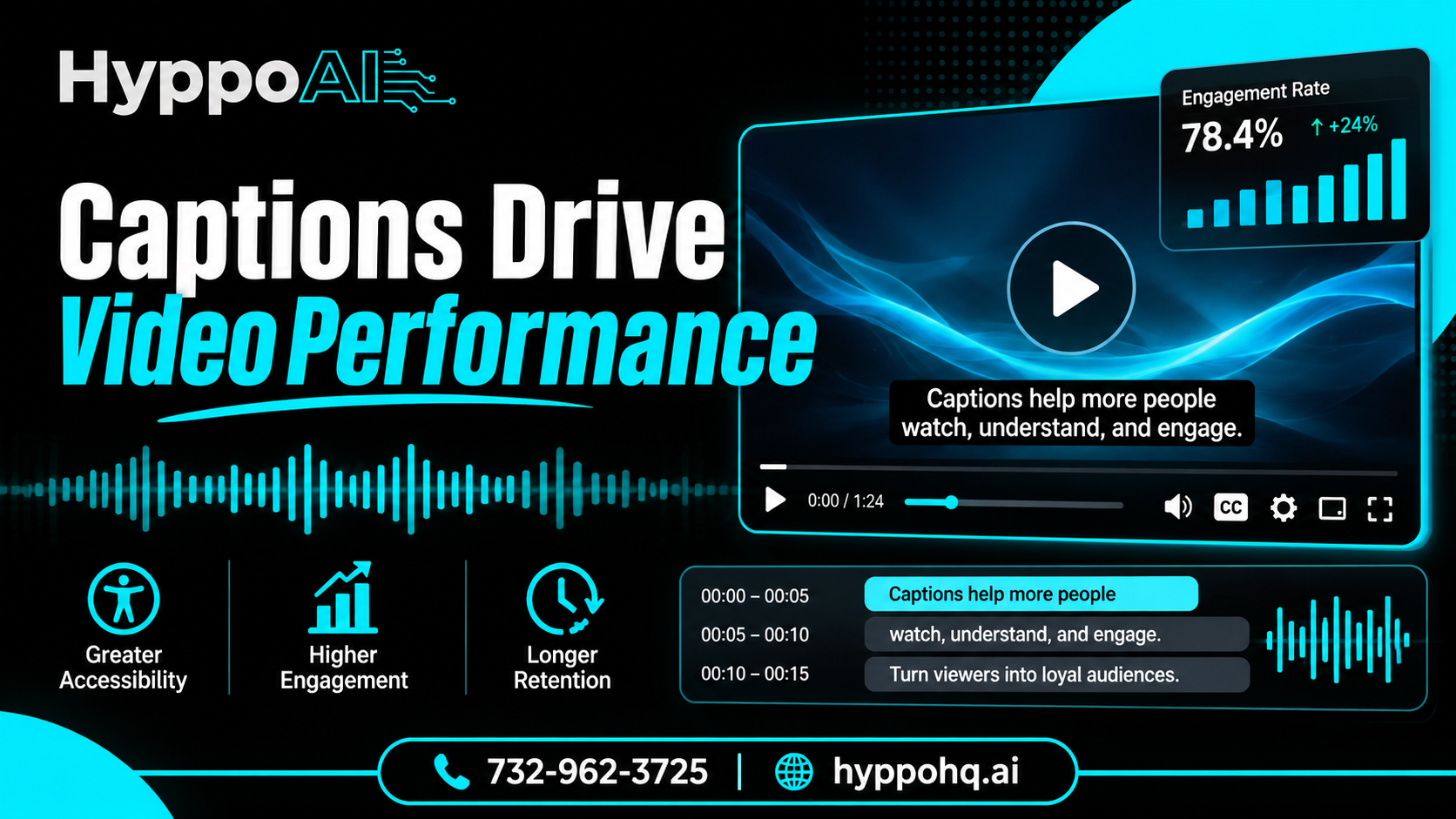
How captioning impacts video performance and engagement
Video performance is rarely driven by visuals alone. If people cannot quickly understand what your video is saying, they scroll. That is where captioning makes a measurable difference.
For brands trying to earn attention on social media, websites, and paid campaigns, captions are not just a nice add-on. They are a performance tool. They help viewers follow the message, stay engaged longer, and absorb key points even when sound is off.
For small and midsize businesses, that matters. Every extra second of watch time can improve reach, retention, and conversions.
Why captioning matters more than ever
A large share of video content is watched without sound, especially on social platforms. People watch in offices, waiting rooms, public spaces, or while multitasking. If your message depends entirely on audio, you are creating friction from the first second.
Captions reduce that friction by making your content immediately understandable. Instead of asking the viewer to turn on volume, captions meet them where they are.
That simple shift can improve several core performance metrics:
- View duration
- Watch time
- Audience retention
- Message clarity
- Click-through potential
- Conversion readiness
When viewers can read and watch at the same time, they are more likely to stay with the content and understand what to do next.
How captioning impacts video performance
Captioning supports performance in both direct and indirect ways. Some of the impact is immediate, while some compounds over time.
1. Captions increase early retention
The first few seconds of a video are critical. If the viewer does not understand the context quickly, they leave. Captions give instant clarity.
A strong opening line on screen can answer key questions fast:
- What is this about
- Why should I care
- What problem does it solve
That reduces confusion and helps the viewer commit to the next few seconds. On social platforms, that can be the difference between a stop and a scroll.
2. Captions improve comprehension
Even when sound is on, captions help people process information more clearly. This is especially useful when:
- The speaker talks quickly
- The topic is technical
- The audio quality is not perfect
- The viewer is distracted
- There are accents or industry terms
For businesses explaining products, services, or workflows, better comprehension means stronger communication. If people understand your message faster, they are more likely to trust it.
3. Captions support accessibility
Captioning makes content more accessible for people who are deaf or hard of hearing. It also helps viewers with language-processing differences or those watching in a second language.
Accessibility is not separate from performance. It expands your usable audience. The more people who can consume your content easily, the more potential reach and engagement your video can earn.
4. Captions reinforce key points
Good captions do more than transcribe speech. They can emphasize the most important ideas. When a core benefit, statistic, or call to action appears on screen, it becomes harder to miss.
This matters for videos that are designed to drive action, such as:
- Product explainers
- Service promos
- Testimonial clips
- Educational content
- Sales videos
A viewer may not remember every sentence, but they often remember the lines that were visually reinforced.
Captions and platform performance
Different platforms reward different behaviors, but captions help almost everywhere.
Social media
On Instagram, LinkedIn, Facebook, TikTok, and YouTube Shorts, captions help stop the scroll and maintain attention. They make short-form content easier to consume in silent environments.
Website video
On landing pages or service pages, captions can improve message clarity and help visitors stay engaged longer. That can support better on-page behavior and stronger conversion intent.
Ads and paid campaigns
In paid media, every second matters. Captions help preserve attention when users are moving quickly through feeds. If your ad can communicate without relying on audio, it has a better chance of landing the message.
What makes captions effective
Not all captions are equally useful. Auto-generated captions are better than nothing, but they often miss context, punctuation, speaker intent, and technical language.
Effective captions are:
- Accurate
- Easy to read
- Timed correctly
- Broken into short phrases
- Consistent with brand language
- Clear on names, products, and terminology
If your video includes specialized language, errors can hurt credibility. For an SMB trying to look polished and trustworthy, that is a real issue.
Best practices for stronger captions
To get more value from captioning, keep these principles in mind:
- Use short, readable caption lines
- Prioritize clarity over word-for-word clutter
- Highlight important phrases naturally
- Check spelling of brand names and technical terms
- Make sure captions do not block key visuals
- Match pacing to the speaker and edit rhythm
Captions should support the experience, not overwhelm it.
Common mistakes that reduce performance
Some businesses add captions but still miss the full benefit. Here are a few common issues:
Overloading the screen
Too much text at once makes videos harder to follow. Viewers should be able to read captions quickly without losing the visual message.
Relying fully on automation
Auto captions can create awkward phrasing or obvious mistakes. That can make your content feel careless.
Ignoring visual hierarchy
If your captions blend into the background or compete with graphics, they lose impact. Contrast and placement matter.
Treating captions as an afterthought
The best-performing videos usually integrate captions into the editing strategy from the beginning, not at the end.
Why this matters for SMBs
Small and midsize businesses do not always have massive production budgets. That means every improvement in video performance matters more.
Captioning is one of the most practical upgrades you can make because it helps you get more value from content you are already producing. It improves usability, supports retention, and makes your message work harder across channels.
For SMBs using video to educate, generate leads, or build trust, that is a meaningful advantage.
The role of AI in captioning workflows
AI can speed up captioning dramatically. It can help teams generate drafts, identify spoken content, and streamline editing. That saves time and makes it easier to publish consistently.
But speed alone is not enough. The best results come from combining AI efficiency with quality control. Businesses should still review captions for accuracy, readability, and brand alignment.
That balance is where smart systems make the biggest difference. AI should reduce manual effort while improving consistency, not create more cleanup.
Final takeaway
If you are investing in video, captioning should be part of the strategy, not an optional extra. It helps people understand your content faster, stay engaged longer, and absorb the message in more viewing situations.
In practical terms, captioning can improve retention, accessibility, clarity, and conversion potential. For SMBs, that makes it one of the simplest ways to strengthen video performance without increasing production complexity.
If you want to build smarter content systems and use AI to improve how your business communicates at scale, visit HyppoAI at https://hyppohq.ai or call +17329623725 to learn more.
