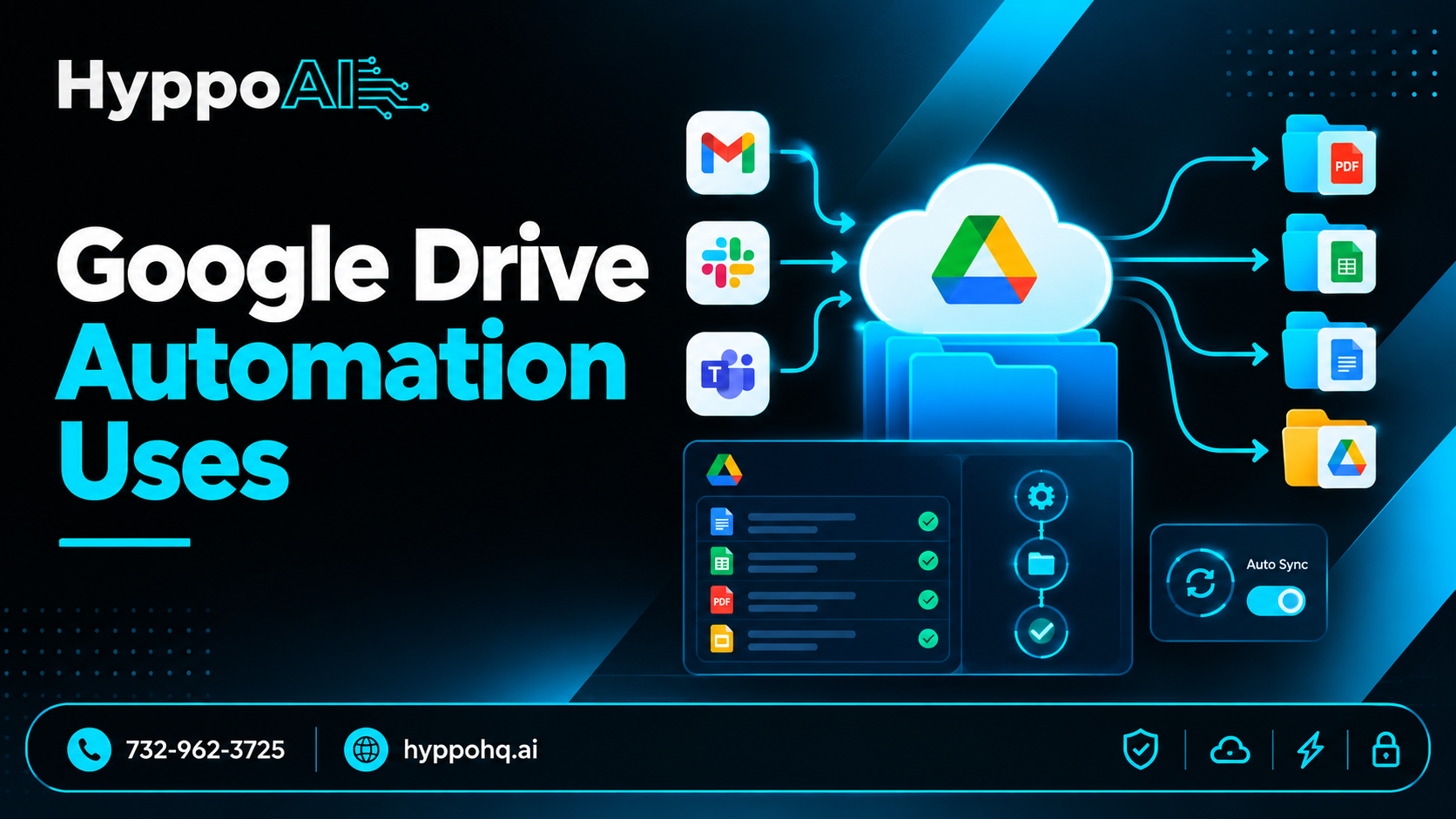
Google Drive in automation workflows: practical business uses
Google Drive is often seen as simple cloud storage. In automation workflows, it becomes much more than that.
For small and midsize businesses, Google Drive can act as a shared operating layer for files, forms, reports, contracts, images, and internal documentation. When connected to automation tools, it helps teams reduce manual work, keep information organized, and move faster without losing control.
If you are wondering what Google Drive is used for in automation workflows, the short answer is this: it stores, organizes, triggers, and distributes the files and data your business depends on every day.
Why Google Drive matters in automation
Most business processes involve documents in some form.
That might include:
- proposals
- invoices
- onboarding packets
- customer uploads
- signed agreements
- marketing assets
- internal SOPs
- reports and dashboards
Without a system, these files get buried in inboxes, desktops, or random folders. Automation solves that by making Google Drive a predictable destination and source for business activity.
Instead of asking team members to manually create folders, rename files, attach documents, and send updates, automations can handle those steps automatically.
Core uses of Google Drive in automation workflows
1. Automatic file storage and organization
One of the most common uses is routing files into the right place without human effort.
For example, when a client submits a form, an automation can:
- create a new folder in Google Drive
- name it using the client or project name
- save uploaded documents to that folder
- copy in template files the team needs
This keeps records consistent and reduces the time wasted searching for documents.
2. Document generation from templates
Google Drive works well with automation platforms that generate documents from data.
A workflow might pull information from a CRM, spreadsheet, or intake form and use it to create:
- proposals
- contracts
- invoices
- onboarding documents
- client summaries
Once created, the file can be saved in Drive, shared with the right people, and logged in another system automatically.
3. File sharing and permissions
Automation is not just about creating files. It is also about getting access right.
A workflow can automatically:
- share a folder with a new employee
- give a client view-only access to deliverables
- notify a manager when a file is ready for review
- remove access after a project ends
This improves speed while helping maintain cleaner file governance.
4. Triggering actions when files are added or updated
In many workflows, Google Drive acts as a trigger.
When a file appears in a folder, other actions can start automatically. For example:
- a new invoice PDF triggers bookkeeping steps
- a signed agreement triggers onboarding
- a new creative asset triggers review and approval
- a customer-uploaded image triggers processing or classification
This is where Google Drive becomes part of an operational system, not just a storage tool.
5. Backup and centralization
Businesses often rely on multiple apps. Automation can use Google Drive as a central archive for important outputs from those tools.
Examples include:
- saving email attachments automatically
- backing up generated reports
- storing call transcripts or meeting notes
- archiving chatbot logs or exported records
That centralization makes retrieval easier and lowers the risk of losing critical files across disconnected platforms.
Common business automation examples using Google Drive
Client onboarding
A new customer fills out an intake form. The workflow then:
- creates a client folder in Google Drive
- stores uploaded documents
- generates an onboarding checklist
- shares the folder with the internal team
- alerts the next person responsible
This creates a repeatable onboarding process with less manual coordination.
Sales and proposals
When a lead reaches a certain stage, automation can:
- generate a proposal from a template
- save it to Google Drive
- email it to the prospect
- notify the sales rep
- log the file URL in the CRM
That reduces delays between interest and follow-up.
HR and employee onboarding
For internal operations, Google Drive can support workflows such as:
- creating employee folders
- storing signed policies
- distributing training documents
- organizing role-specific resources
This is especially useful for growing SMBs that need more structure without adding heavy admin overhead.
Marketing content workflows
Creative teams can use Google Drive automation to:
- collect assets from forms
- organize campaign folders
- route content for approval
- archive final versions
- sync deliverables with task systems
That helps keep content production moving and avoids version confusion.
Benefits of using Google Drive in automation workflows
When implemented well, Google Drive automation can create real operational gains.
Better consistency
Files are named, stored, and shared the same way every time.
Less manual work
Teams spend less time on repetitive administrative tasks.
Faster turnaround
Documents and approvals move more quickly between steps.
Easier collaboration
Everyone knows where files live and who has access.
Improved visibility
Managers can track process status based on file activity and connected systems.
What Google Drive does not do on its own
Google Drive is powerful, but it is not a full automation platform by itself.
It usually works best when connected with tools such as:
- CRM systems
- form builders
- e-signature platforms
- project management tools
- email systems
- AI and workflow automation platforms
The value comes from how Drive fits into the broader process.
In other words, Google Drive is the file layer. Automation provides the logic.
Best practices for using Google Drive in automation
Keep folder structures simple
Do not overbuild. A clean structure is easier to automate and maintain.
Standardize naming conventions
Use predictable names for folders and files so workflows stay reliable.
Set permissions carefully
Automated sharing is useful, but access should still follow business rules.
Avoid duplicate storage paths
Make sure each workflow has a clear destination to prevent confusion.
Audit workflows regularly
As your business changes, folder logic and file handling should be reviewed.
Where AI can improve Google Drive workflows
For SMBs, the next step is not just moving files automatically. It is making those files more useful.
AI can help by:
- extracting data from uploaded documents
- classifying files by type or customer
- summarizing reports and notes
- routing documents based on content
- flagging missing information
That means Google Drive can become part of a smarter workflow, where files are not just stored but actively processed.
Final takeaway
What is Google Drive used for in automation workflows? It is used to organize files, generate documents, trigger downstream actions, centralize records, and support smoother operations across teams.
For SMBs, that matters because many daily bottlenecks come from document handling, inconsistent storage, and manual follow-up. When Google Drive is connected to the right automation system, it helps create a more scalable business process.
If your team wants to simplify document-heavy workflows with AI and automation, HyppoAI can help. Visit https://hyppohq.ai or call +17329623725 to explore practical automation solutions for your business.
